


Question

Self Service+ App -> How to clear notifications ?

  • March 23, 2026
  • 3 replies
  • 51 views

PE14_2
Forum|alt.badge.img+7

So I have a strange notifications that only pop up If you start the SS.app
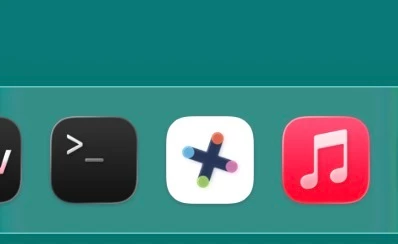
 

This is standard but when you start the SS.app then the error appear in Notifications.
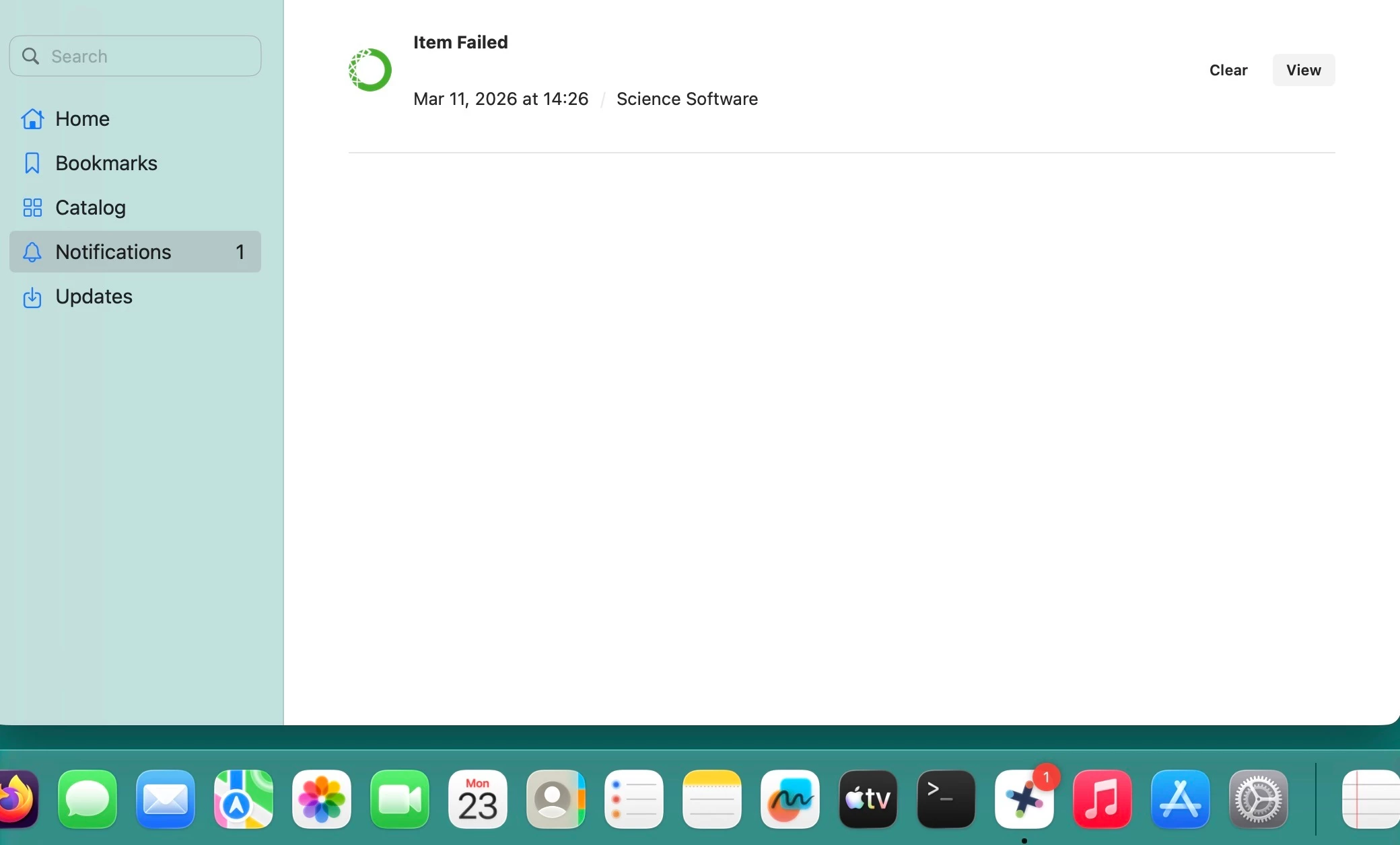


Clear dont work also the old sudo rm -R ~/Library/Application\ Support/com.jamfsoftware.selfservice.mac/

Dont work. When you close the App the number 1 in the dock also disappear.  If I login with another user there is no error so seems account related, Anyone idea how to fix this?

thanks

3 replies

dletkeman
Forum|alt.badge.img+17
  • Jamf Heroes
  • March 23, 2026

I have an issue similar to yours where I clear notifications it appears cleared until you close and restart the application.  No user has complained so I haven’t bothered to follow up on it.  It doesn’t bother me so I just left it.


PE14_2
Forum|alt.badge.img+7
  • Author
  • Valued Contributor
  • March 24, 2026

@dletkeman thanks but with the “old” Selfservice App had no problem with this or you can fix it. It just need to be working (it’s no freeware) or a way to fix this.


dletkeman
Forum|alt.badge.img+17
  • Jamf Heroes
  • March 24, 2026

@dletkeman thanks but with the “old” Selfservice App had no problem with this or you can fix it. It just need to be working (it’s no freeware) or a way to fix this.

Valid point.  I would just create a ticket about it.  Jamf Support is great about these kinds of things.