Solved

Shared IPads help

  • September 27, 2018
  • 4 replies
  • 32 views

Forum|alt.badge.img+10

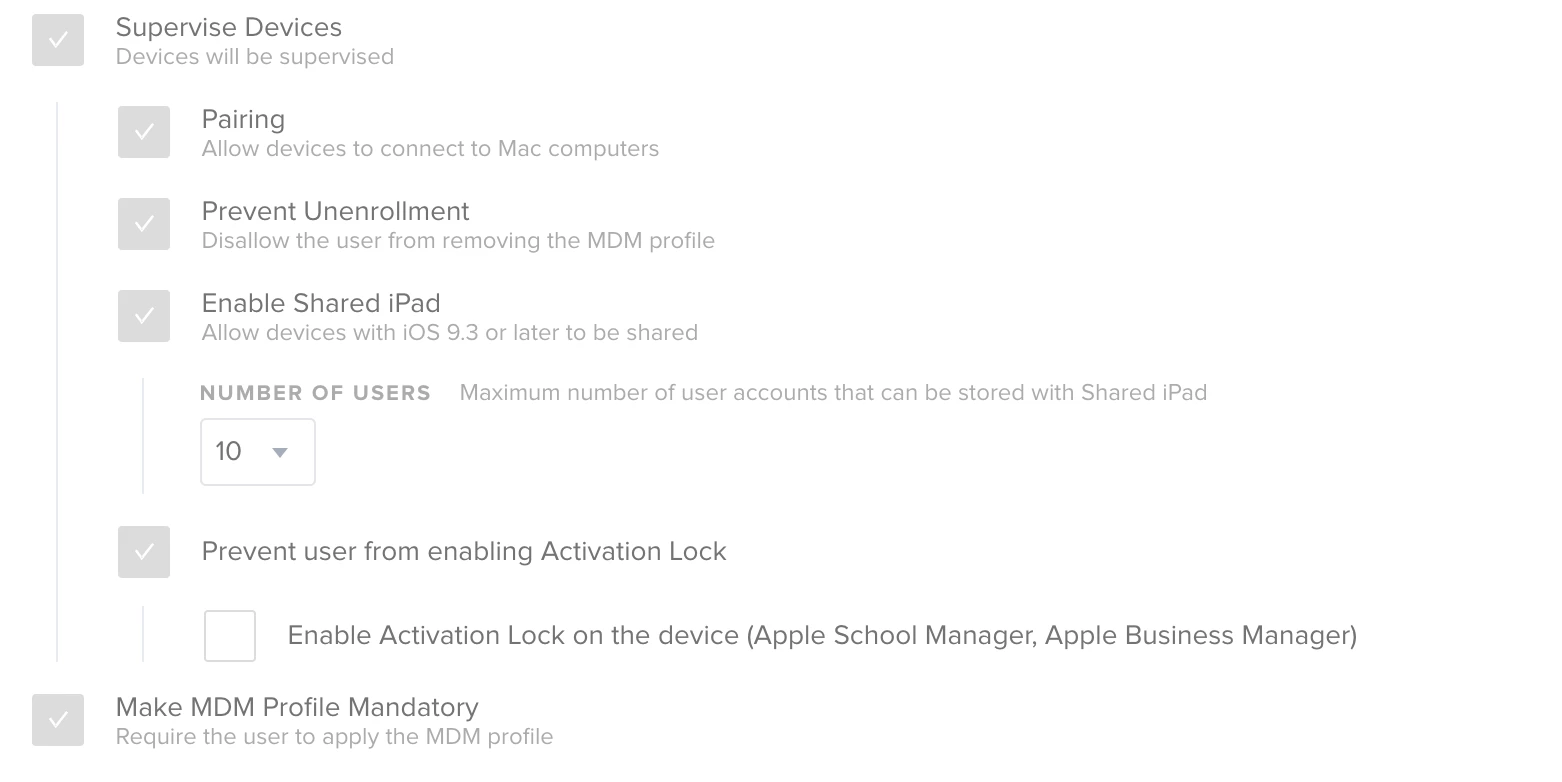
I'd like to get into Shared Ipads for a couple of my classes but I'm not sure where to start. I've got a DEP device in a prestage that is supposed to set it as a shared Ipad, but after enrolling it never shows as shared.

Ideas?
Best answer by keaton

Hey @Asnyder,

Shared iPad does have some device requirements. Make sure the device you are using is supported:

  • Any iPad Pro
  • iPad 5th generation
  • iPad Air 2nd generation or later, with at least 32 GB of storage
  • iPad mini 4th generation or later, with at least 32 GB of storage

Source

Hope that helps!

4 replies

Forum|alt.badge.img+13
  • Contributor
  • September 27, 2018

We use shared iPads in our district currently. It has been hit or miss with success. Is the device assigned to that PreStage? When the device enrolls into Jamf it will reboot into the Shared Mode. One thing to note about the "Number of users" option is this is how many users are cached on the device. The iPad will actually partition the storage for 10 users. So if the iPad has 10gb of free storage each user will get 1gb of useable storage on the device.


keaton
Forum|alt.badge.img+17
  • Employee
  • Answer
  • September 27, 2018

Hey @Asnyder,

Shared iPad does have some device requirements. Make sure the device you are using is supported:

  • Any iPad Pro
  • iPad 5th generation
  • iPad Air 2nd generation or later, with at least 32 GB of storage
  • iPad mini 4th generation or later, with at least 32 GB of storage

Source

Hope that helps!


Forum|alt.badge.img+14
  • Valued Contributor
  • September 27, 2018

Did you delete it from the JSS after erasing and re-enrolling?


Forum|alt.badge.img+10
  • Author
  • Valued Contributor
  • September 27, 2018

It's a first gen Ipad air with 10gb free so that must be the problem. Thanks!