Question

Show additional information in the menu bar (IP-Number etc..) isnt working with Sonoma

  • September 27, 2023
  • 5 replies
  • 51 views

PE14_2
Forum|alt.badge.img+7

After update from 13.6 (working) to v14 this option is not working anymore 
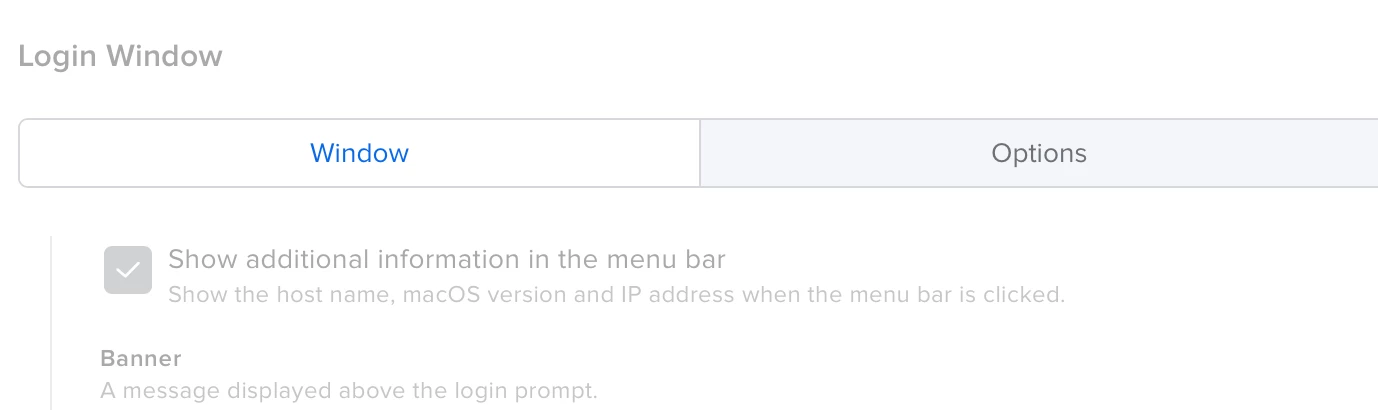
 

also when I put the clock back in de original position (right corner) this option isnt working (anymore) idea? 

thanks

5 replies

AJPinto
Forum|alt.badge.img+26
  • Legendary Contributor
  • September 27, 2023

If you have removed and readded the configuration profile, and its still not working Apple may have retired this. I would suggest opening a ticket with JAMF. You could also try to manually make the mobile config and sign it, If apple updated something it will likely take JAMF a few months to update as well. The entire day 0 support talk is a sales pitch.


PE14_2
Forum|alt.badge.img+7
  • Author
  • Valued Contributor
  • September 27, 2023

OK thanks for info - already removed and added the profile again but no fix. (or its just a bug what needs to be fixed)


PE14_2
Forum|alt.badge.img+7
  • Author
  • Valued Contributor
  • September 27, 2023

Found it. I was confused because Apple say "click in the menu bar" to see the items. You need to click on the Clock 😎

and that clock moved to the middle of the screen. (also if you change the clock to the original place (login Items) it works.


boberito
Forum|alt.badge.img+22
  • Jamf Heroes
  • September 27, 2023

How do you move the clock to the original place?


PE14_2
Forum|alt.badge.img+7
  • Author
  • Valued Contributor
  • September 27, 2023

Hi boberito in the System Settings at Lock Screen and the Show Large Clock and set this to Never,