Question

Show us your Self Service branding

  • Mar 2, 2018 12:11 PM UTC
  • 146 replies
  • 1431 views

Show first post

146 replies

cfaenza3
Forum|alt.badge.img+3
  • New Contributor
  • Feb 23, 2021 3:09 PM UTC

what is the size of the banner for the Branding Header"use a GIF or PNG file that is 1500x500 pixels." but my image looks terrible.


Forum|alt.badge.img+13
  • Valued Contributor
  • Feb 23, 2021 3:30 PM UTC
This will be known as the Self Service dark times... where nobody wants to show off their branding now its all changed for the worse with 10.27

This is exactly why you don't test in production...


easyedc
Forum|alt.badge.img+16
  • Esteemed Contributor
  • Feb 23, 2021 4:30 PM UTC

At the moment, as long as Self Service still works, I'm not too bent out of shape over the re-design. I don't quite see the advantage of it over the legacy version, since most of the main content (aka buttons to click) still look the same. Just that a) the header image doesn't fit, and b) the sidebar looks more "Finder" than it did before. Sure. Ok.

There was a time in the early/mid 2010's where Jamf kept putting out upgrades that just. did. not. work. At least we aren't having that problem with self service.


Forum|alt.badge.img+5
  • Contributor
  • Feb 23, 2021 4:49 PM UTC


Forum|alt.badge.img+8
  • Contributor
  • Feb 23, 2021 7:43 PM UTC

I have a series of photographs that I prep for this, as well as the desktop backgrounds for people to choose.


Forum|alt.badge.img+17
  • Valued Contributor
  • Feb 23, 2021 8:46 PM UTC

With 10.27 the branding image doesn't 'resize' like I'd expect. instead it gets all distorted. :(

Also, I've lost my categories on the side! GAH!!!


Forum|alt.badge.img+12
  • Valued Contributor
  • Feb 23, 2021 9:26 PM UTC

No matter how much resizing I've applied to the original image in Preview I can't seem to get our banner to look presentable in Self Service 10.27. Sad to say we've simply removed our banner for now... See ya later, Zenyatta :(


pbenware1
Forum|alt.badge.img+12
  • Valued Contributor
  • Feb 23, 2021 9:29 PM UTC

Pre-10.27 and with 10.27. Major issues with the space allocated for Company name (which violates our branding standards), banner image re-sizing, etc.
Oh and Categories... Not there... Unless I click in the blank space located between the Search field and the Notification, at which point a Browse pull down appears with the categories.
So yeah, lots of stuff to not like.


Forum|alt.badge.img+8
  • Valued Contributor
  • Feb 23, 2021 9:30 PM UTC

https://www.jamf.com/jamf-nation/feature-requests/10177/revert-self-service-s-design-to-the-10-26-version

Please vote!


Forum|alt.badge.img+11

It has totally messed up the branding and it looks terrible now.


Forum|alt.badge.img+12
  • Valued Contributor
  • Feb 25, 2021 3:11 PM UTC

I adapted to the new format by replacing our branding header image with one that emphasizes text, rather than a photo. That way it works at any level of stretching. I also tightened the kerning by 25% on the text of my base image, to make it look better on our widescreen monitors.


Forum|alt.badge.img+3
  • New Contributor
  • Mar 10, 2021 10:56 PM UTC

This change was brought to my attention by a user, which is embarrassing. Especially when you're a creative company full of people that scrutinize these things.

It does seem odd that Jamf is a company focused on Apple products but seems to be incapable of following Apple's UI design guidelines. Nothing looks or acts very Apple-like, so I'm not surprised by this, but I wish I didn't have to do damage control.


Forum|alt.badge.img+12
  • Valued Contributor
  • Mar 11, 2021 12:46 AM UTC

I can't imagine who at Jamf thought this was a good change. If people go to this much trouble to make Self Service look good, Jamf should not be undoing all their hard work.


Forum|alt.badge.img+7
  • Contributor
  • Mar 11, 2021 10:39 PM UTC

Old vs new... Thank you JAMF for helping our department garner respect through design. #blatantsarcasm


dstranathan
Forum|alt.badge.img+20
  • Valued Contributor
  • Mar 16, 2021 8:10 PM UTC

As of Jamf 10.27 the recommended header size is now 335 x 1000.


James_von
Forum|alt.badge.img+1
  • New Contributor
  • Nov 8, 2021 3:02 PM UTC

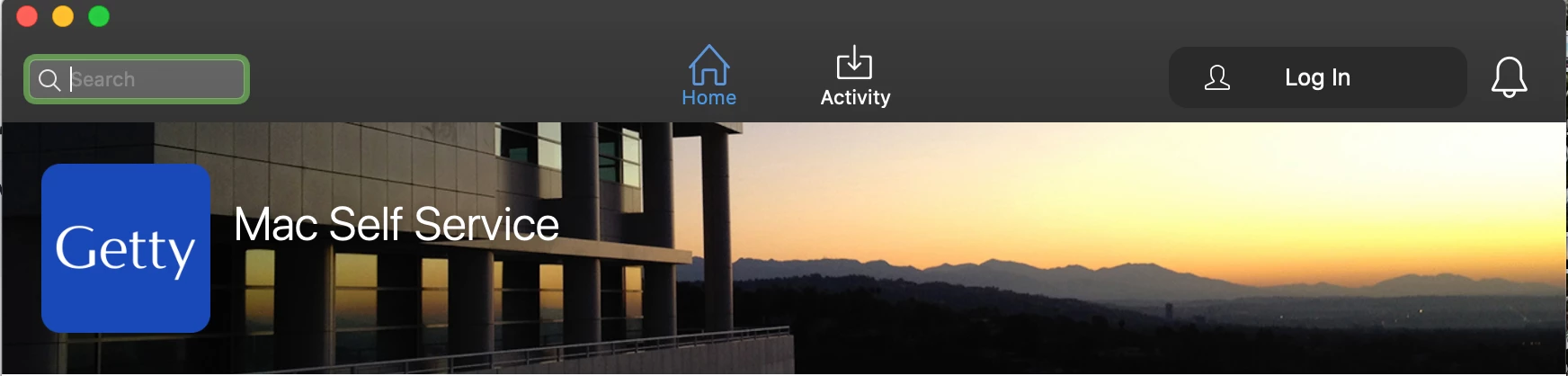
Here is our's, i had to change the pixel size to get it to size right. It wouldn't look right with 1000x335. Had a designer here at VW help me get something dialed in right. I'm happy how it came out.


Forum|alt.badge.img+4
  • Contributor
  • Nov 8, 2021 3:27 PM UTC

Last year I felt bad/lazy for not having a banner and just using our university logo/name, but now I feel like I dodged a bullet.  What I was considering picking would not have looked good by itself in the redesigned Self Service.


burdett
Forum|alt.badge.img+7
  • Valued Contributor
  • Nov 8, 2021 5:11 PM UTC

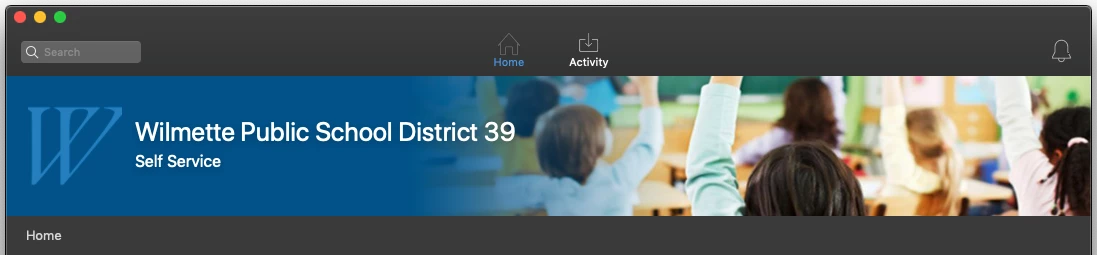
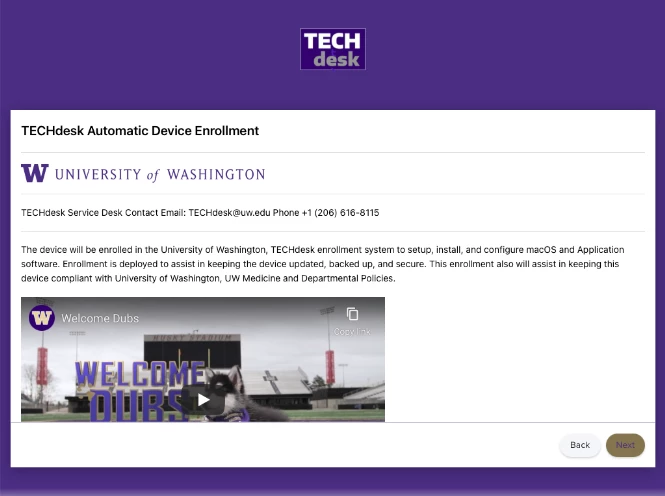
Here is ours, this go around of Self Service Branding;

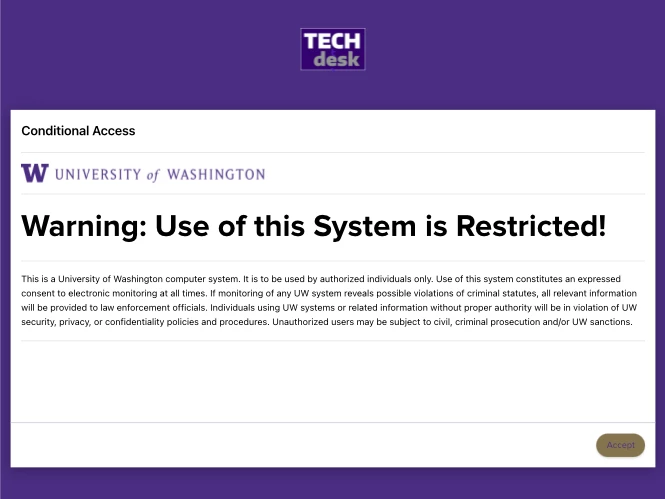
I also added Prestage enrollment customization.  


tiffanydavis
Forum|alt.badge.img+7
  • Contributor
  • Apr 25, 2023 7:37 PM UTC


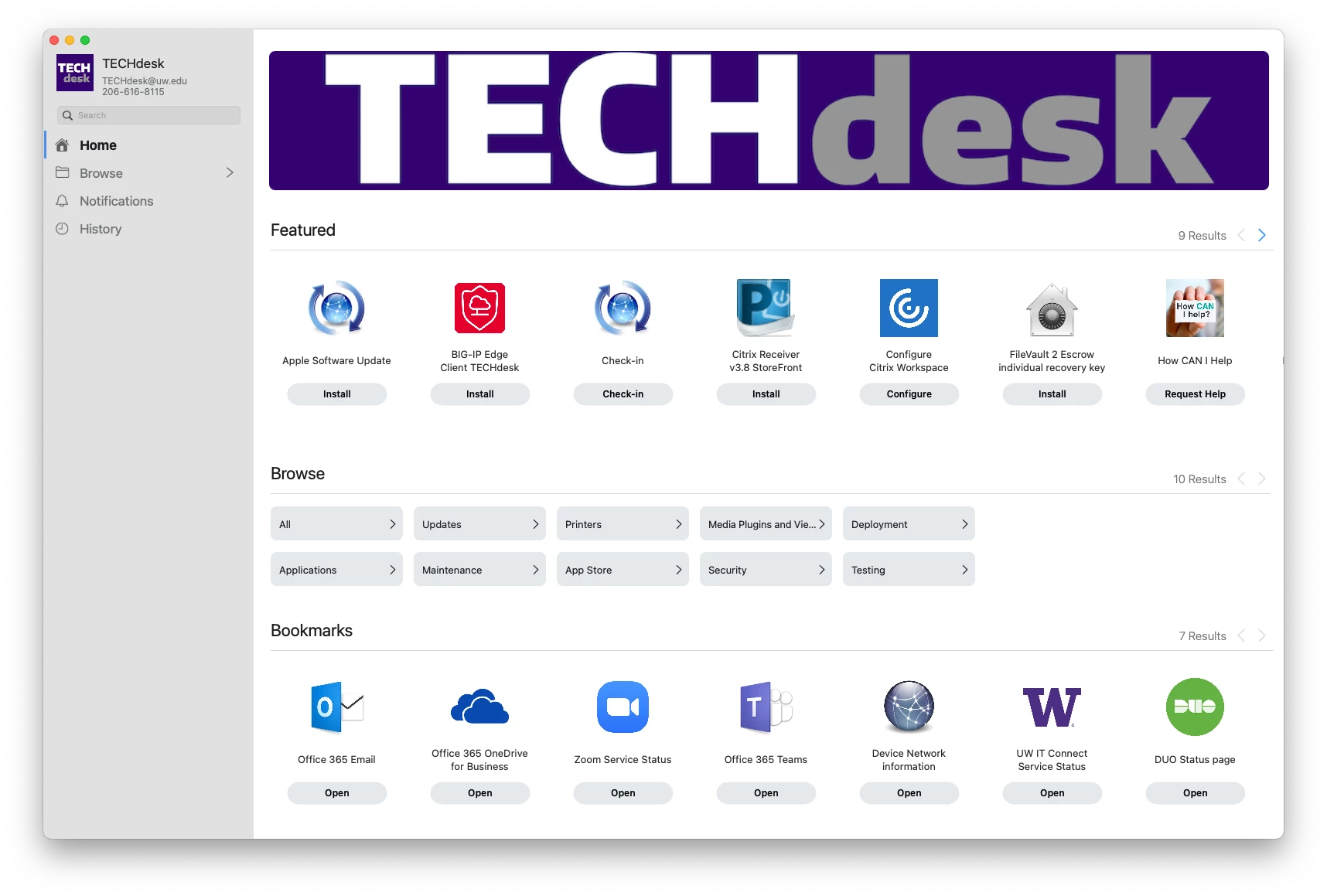
How did you get the image to go all the way across?


easyedc
Forum|alt.badge.img+16
  • Esteemed Contributor
  • Apr 25, 2023 7:45 PM UTC

How did you get the image to go all the way across?


Jamf's branding page gives a recommended resolution. You just need to either find or crop a selected image to meet that.

Branding Header Image to display across the top of Self Service. This will not display in the branding preview. Recommended 1500x320 pixels and PNG or GIF format

Ojok
Forum|alt.badge.img+6
  • Contributor
  • Oct 26, 2023 9:26 PM UTC

The greatest shame is that one cannot use animated gifs for the banner!!!!!