Question

**SOS** Enterprise Numbers for EOL Devices Needed (iPhones/iPads) **SOS**

  • August 6, 2026
  • 4 replies
  • 31 views

mhend1982
Forum|alt.badge.img+1

Hello everyone,

I'm one of our Admins (jPRo) and I work for a very large hospital chain and I've been tasked with exporting all of our mobile devices and asked to create a spreadsheet and a PDF file for presentation for our leadership team to review in their budget meeting coming up soon so they may plan on what we need to purchase as far as EOL devices are concerned.

I don't know why, but I seem to be struggling with making this list based on exporting all of our devices which come out to 5,077 devices. I attempted to report my spreadsheet into AI and asking you to make me a list of EOL devices, Near-EOL, and future EOL devices. Well, the numbers that I ended up sending to my manager to review or not accurate, and I looked like a fool and was very embarrassed.

Have any of you been tasked with this before and if so, how did you do it and do you have any advice on what the best way to go about doing it is besides trying to use AI. Or, if any of you have been successful in doing this using AI, can you please let me know how you did it? I've never meant task with this since I've been on our team and I do not want to screw this up again that was very embarrassing.

Any advice would be highly appreciated. Thank you for your time.

--Michael

4 replies

Chubs
Forum|alt.badge.img+26
  • Jamf Heroes
  • August 6, 2026

That’s almost relative.  EOL being?  N-2 on the OS? N-1?

What’s considered end of life?  

If you tell the Jamf AI Assistant what you need (model numbers. OS support, etc.) it can get you a generalization.

However, EOL is relative in that we still have 6th generation iPads in use (shhh don’t tell anyone).  We are working on upgrading them, but technically those are EOL since they won’t support OS 18.

EOL to us is N-1.  So anything that’s not going to run OS26 or OS27 is EOL.


mhend1982
Forum|alt.badge.img+1
  • Author
  • Jamf Heroes
  • August 6, 2026

Thanks, Chubs. I think the last comment is where I went wrong. I simply asked AI to make me a list of what I mentioned in my post and I may have made it generate data I didn’t need. Thanks for the quick response!


mattjerome
Forum|alt.badge.img+13
  • Jamf Heroes
  • August 7, 2026

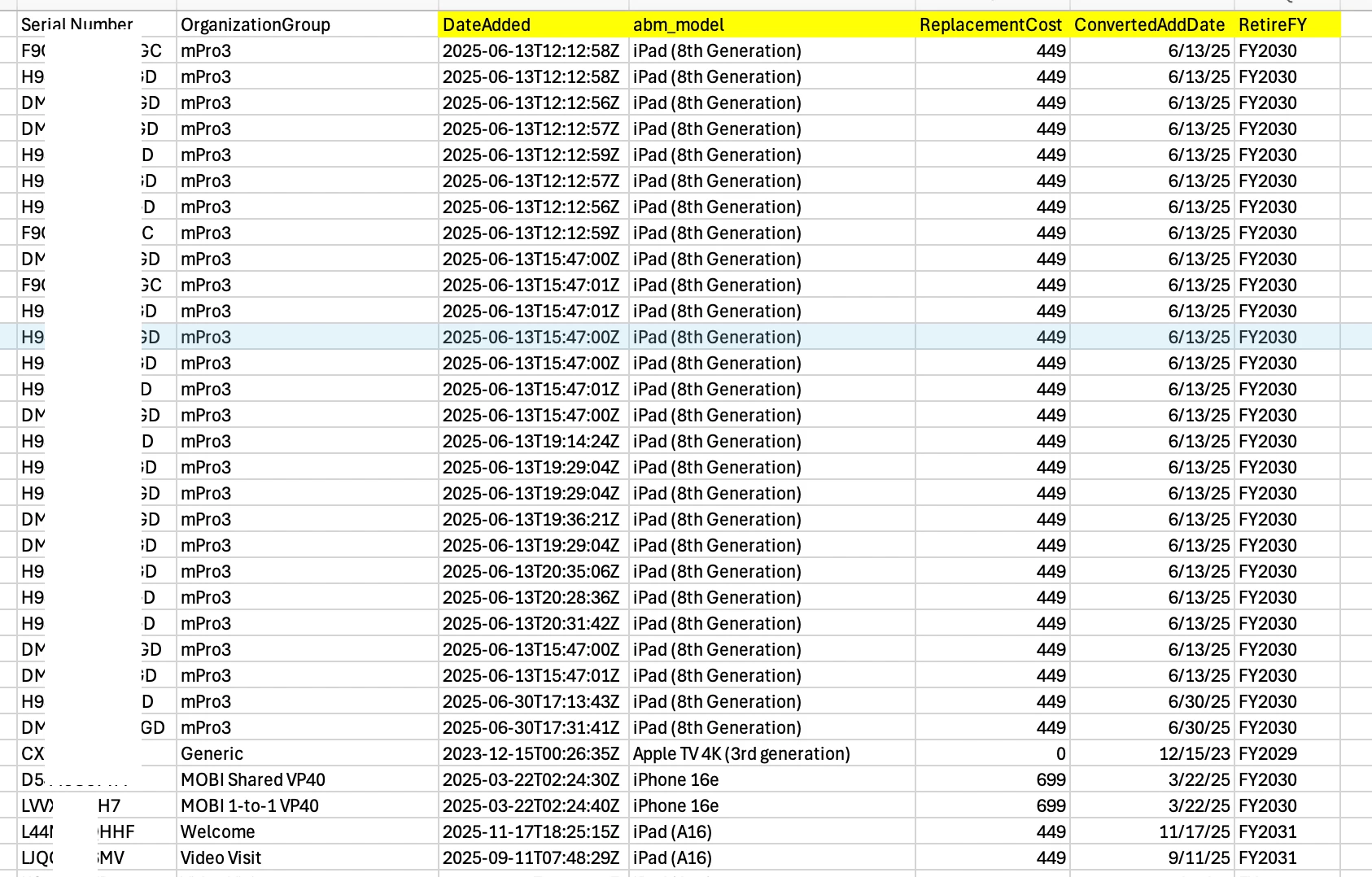
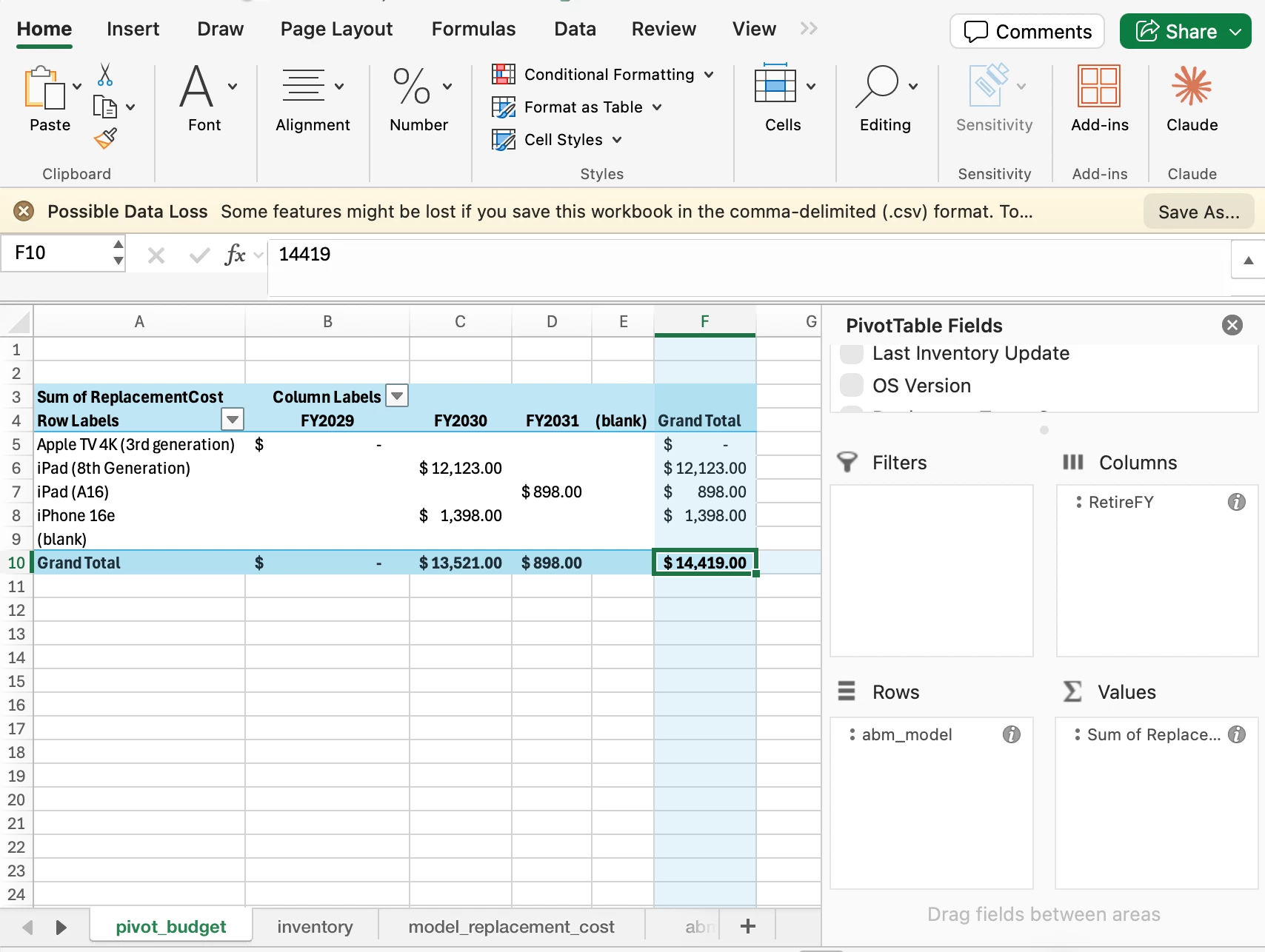
I’d try exporting all the data with model numbers, sort by models and filter out the data you don’t need.


mvu
Forum|alt.badge.img+22
  • Jamf Heroes
  • August 7, 2026

Hi Michael,

There are a few ways you can slice this. After Apple WWDC, we keep an eye on which mobile devices won’t make the cut for the next iOS officially.

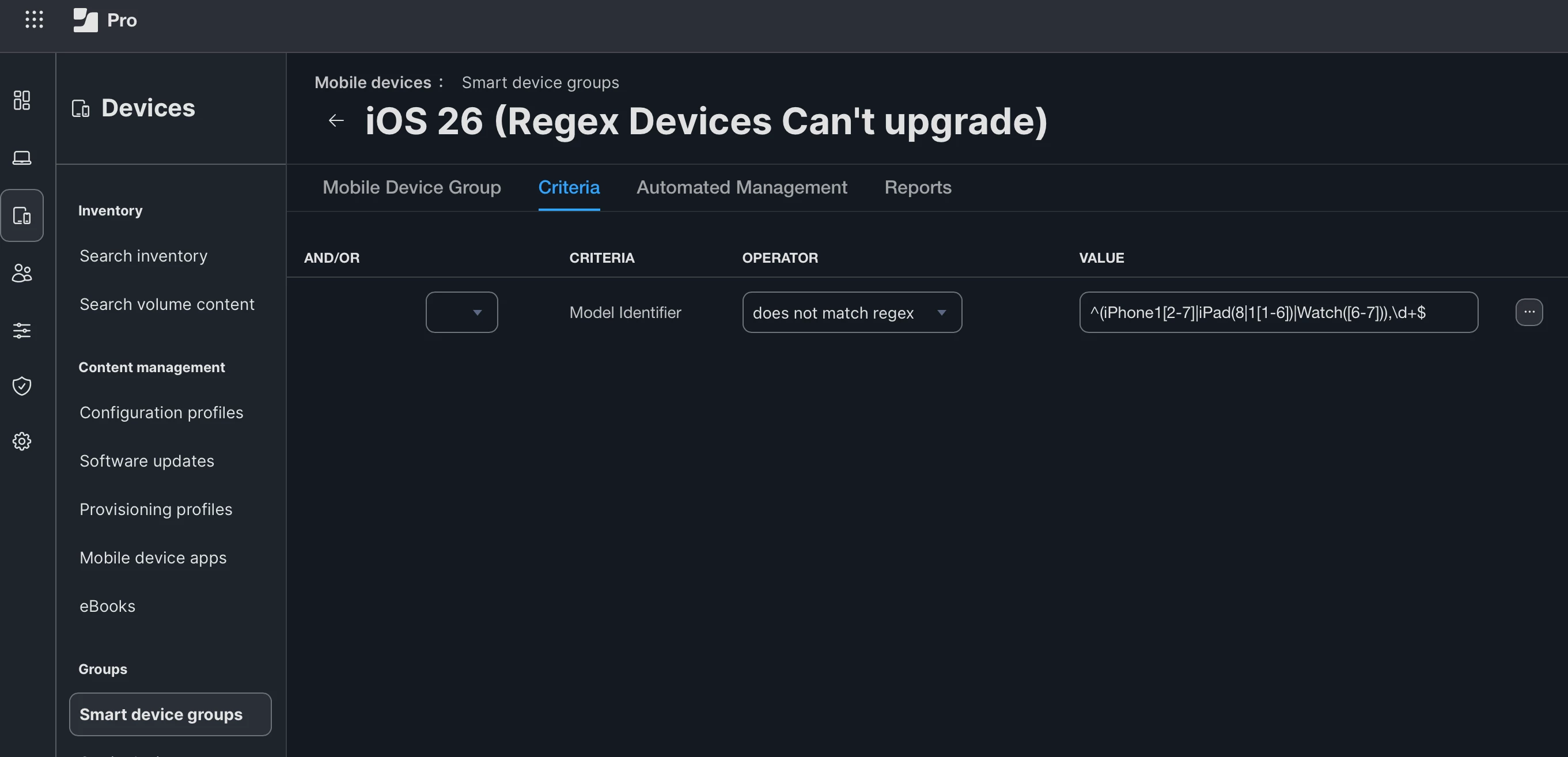
Regex Smart Groups helps here. Take ​@talkingmoose work:

• https://gist.github.com/talkingmoose/8626115822ca9f81463dd4e9e902ff9a

In your situation, like others mentioned, what does your organization consider EOL? For exampe, we want to know which devices won’t install iOS 27 in the Fall. Which devices in our fleet are stuck on iOS 26/18 and will only receive security updates, but no major upgrades.

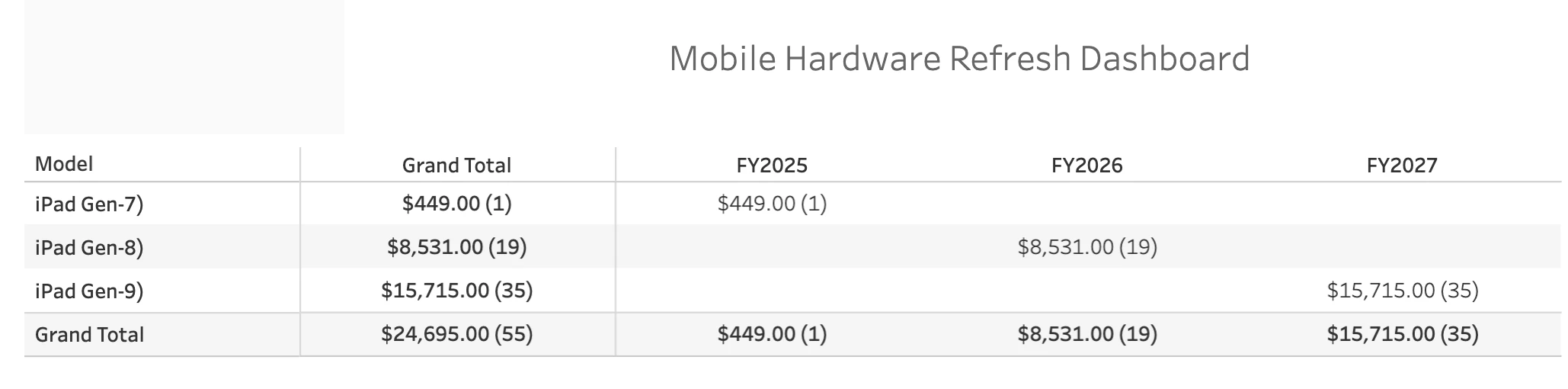
From here, we can paint a picture and present to leadership.

Create a new Smart Group, enter the Regex info. I attached an example for iOS 26 (that can’t upgrade).

Once you know which devices are EOL, you could do what you did and create an all devices report. Then sort by models/filter the data you need like Matt suggested.