
https://support.google.com/chrome/a/answer/9301891
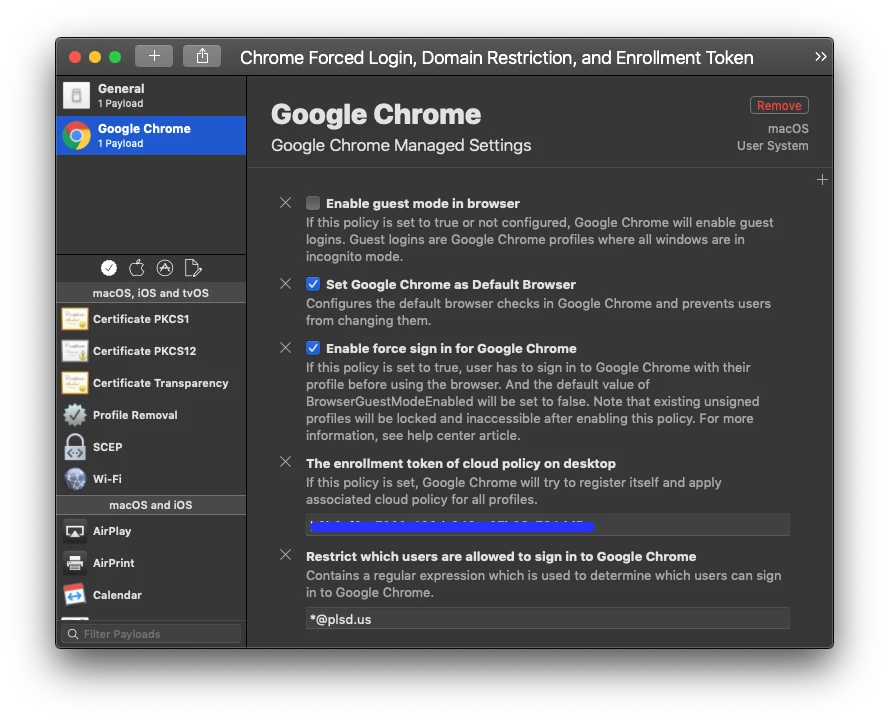
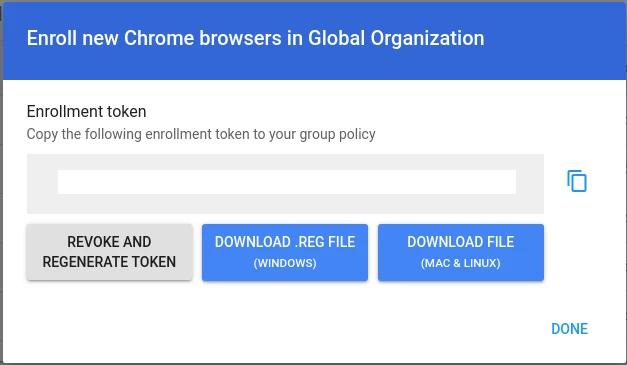
I've tried the "CloudManagementEnrollmentToken" file placed in the directory through JAMF as described above with no luck. Reinstalled chrome, signed existing users out and back in, but nothing seems to trigger enrollment or show as enrolled within google admin's "managed browsers" The token itself is a simple text string and nothing more.
Example value:
"37185d02-e055-11e7-80c1-9a214cf093ae"
Below is the limited instruction on setting up this feature of chrome/g-suite
**
Option 1: Use a policy
Push the token to your browser as a policy named CloudManagementEnrollmentToken. Setting policies on Mac devices requires the Apple Profile Manager.
Option 2: Use a text file
Push the token in a text file called CloudManagementEnrollmentToken, under /Library/Google/Chrome/. This file must only contain the token and be encoded as a .txt file, but should not have the .txt filename extension.
**
Just curious if anyone has had success remotely pushing out the token in order to enroll the chrome browser and was willing to share best practices. Either through its txt file or as a profile.
Thanks!