Solved

Suppress Teamviewer opening after installation

  • October 29, 2020
  • 6 replies
  • 72 views

mucgyver
Forum|alt.badge.img+6

Dear all.
Is anyone of you aware of a way how to prevent
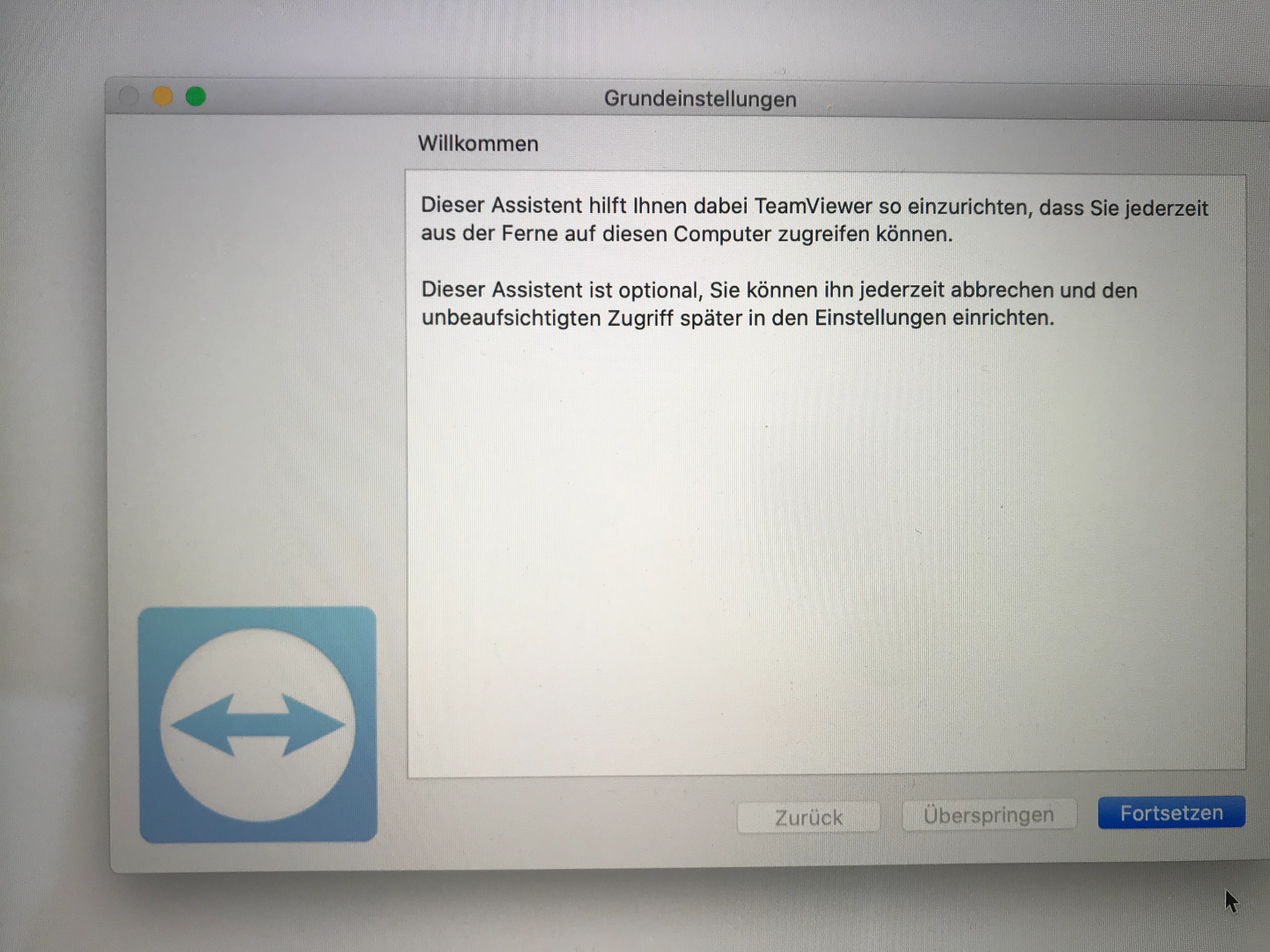
the auto-starting of Teamviewer (and with that, the basic setup assistant) after the installation?
I have seen that there are quite a few Launch agents and Launch Daemons included in the installer package, but I don't really know how to manipulate the portions in there to just block the auto start after installation.
Any idea? Thanks a million.
Cheers
Chris

Best answer by mucgyver

@Chris , whoah, that was a quick solution. Splendid. Thanks!

6 replies

Forum|alt.badge.img+13
  • Valued Contributor
  • October 29, 2020

mucgyver
Forum|alt.badge.img+6
  • Author
  • New Contributor
  • October 29, 2020

.


mucgyver
Forum|alt.badge.img+6
  • Author
  • New Contributor
  • Answer
  • October 29, 2020

@Chris , whoah, that was a quick solution. Splendid. Thanks!


Jason33
Forum|alt.badge.img+13
  • Honored Contributor
  • November 23, 2020

Is there anyway to preconfigure the unattended access window? I've built a .dmg for the installer and set FUT and FEU, but on a new install the popup is launched upon first run of TeamViewer.


mucgyver
Forum|alt.badge.img+6
  • Author
  • New Contributor
  • November 25, 2020

@Jason33 I think there is simply no way/no sense to bypass this, as you cannot pre-allow things like screen recording, by OS design (privacy and user consent).


Forum|alt.badge.img+3
  • New Contributor
  • February 13, 2024

@Chris , whoah, that was a quick solution. Splendid. Thanks!


Hey @mucgyver,

i have also added the script to our TeamViewer host installation. However, the window still appears - have I missed something?