Solved

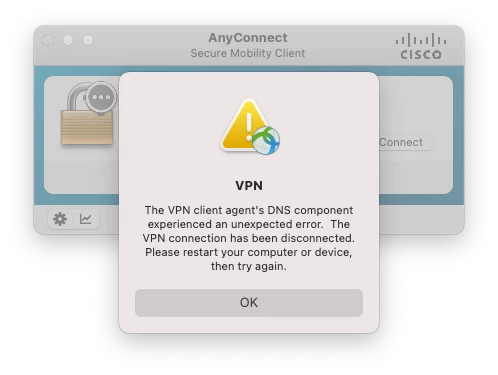
The VPN client agent DNS Component experienced an unexpected error. AnyConnect

  • July 22, 2021
  • 5 replies
  • 345 views

Forum|alt.badge.img+3

Hi 

Wondering if anyone has fixed this solution. 

We are getting a growing number of machines getting the following error while using 4.9 / 4.10 AnyConnect on Big Sur. 

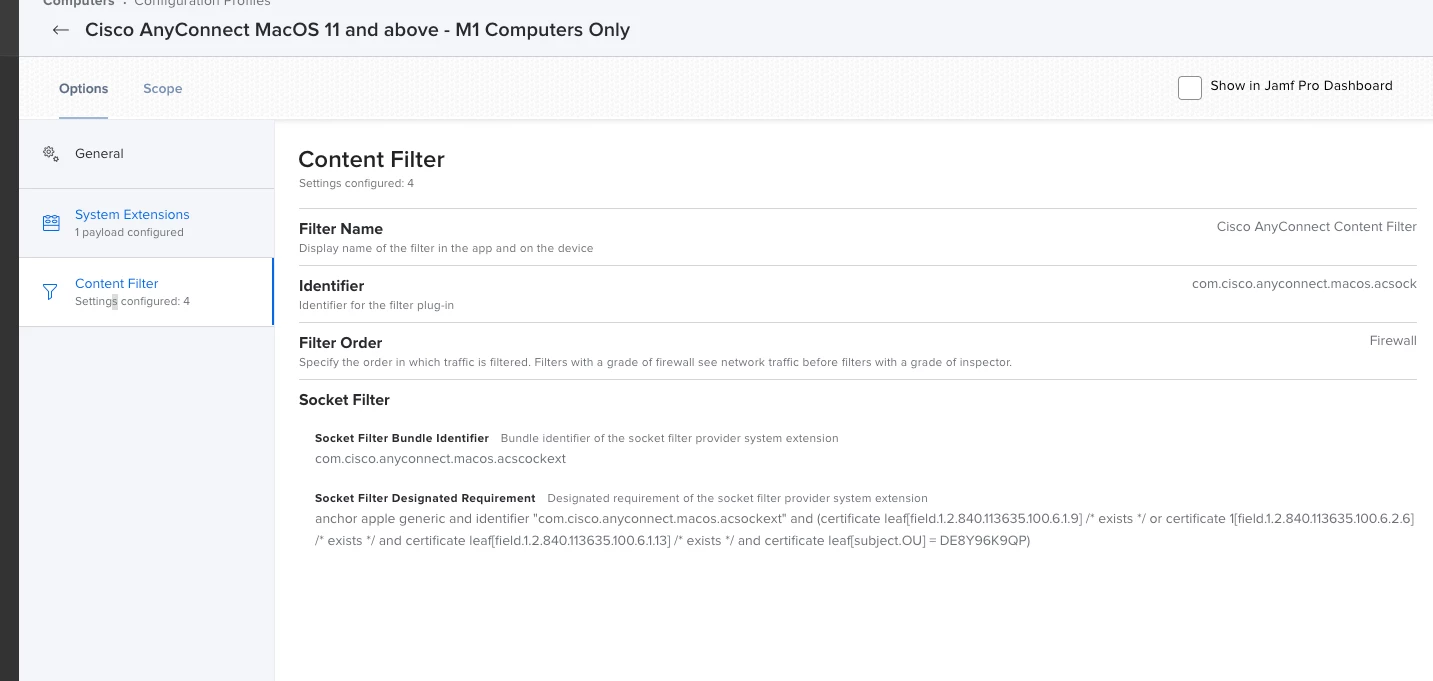
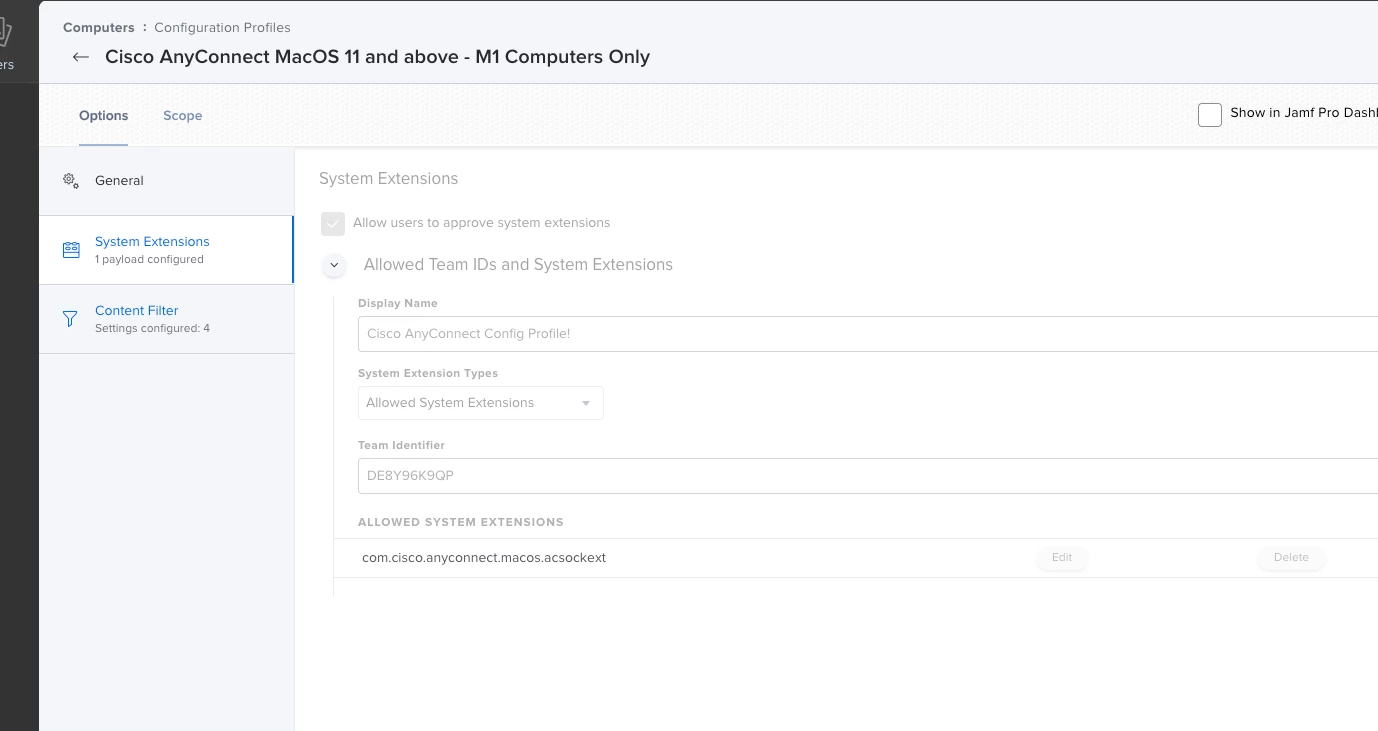
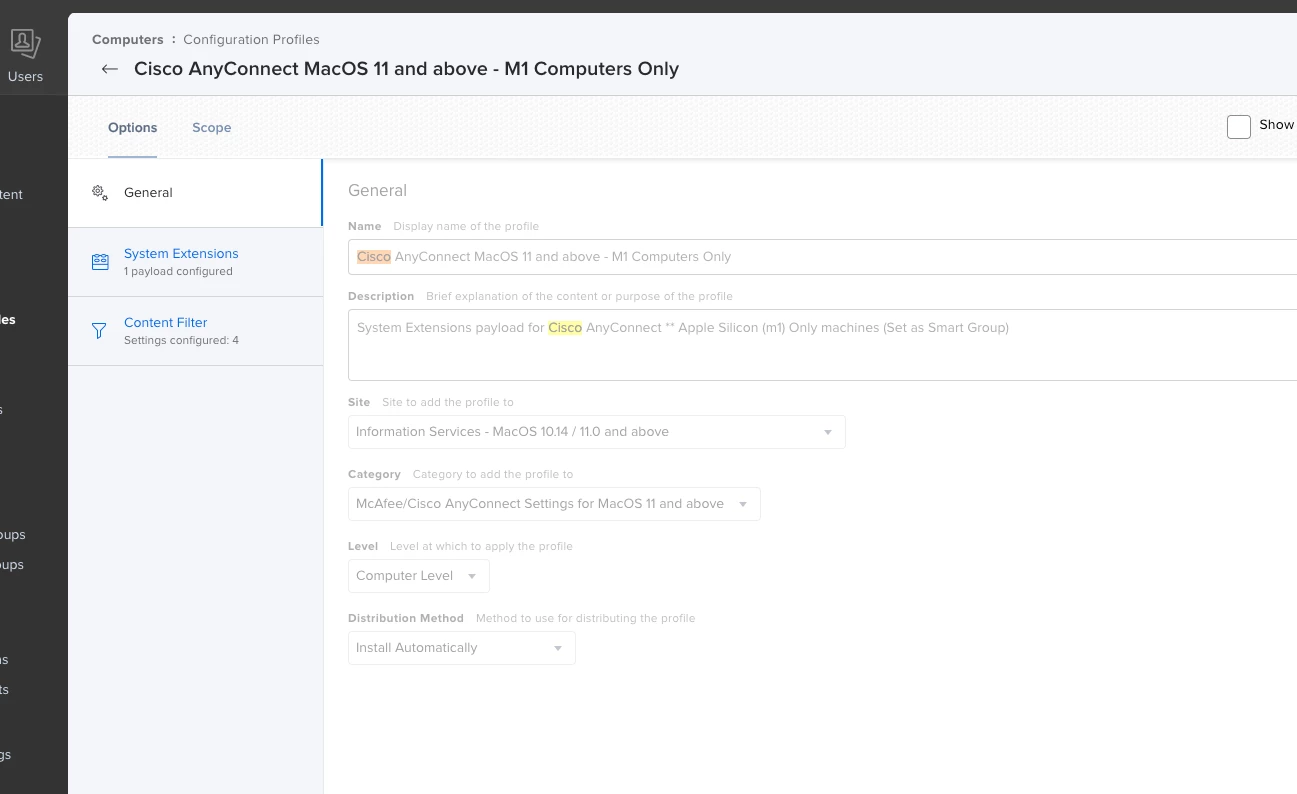
Settings for the Config Profile are below, its scoped only to M1 Computers

Could anyone suggest any problems that i might have? Thanks! 

Best answer by JustDeWon

It's a headache that I've had dealing with AnyConnect.. Remove the Content Filter payload. As much as I would like for that to work in our environment, it simply just doesn't.. Until Cisco can get a working resolution with Big Sur, removing the Content Filter was my "workaround" resolution

5 replies

Forum|alt.badge.img+11
  • Contributor
  • Answer
  • July 22, 2021

It's a headache that I've had dealing with AnyConnect.. Remove the Content Filter payload. As much as I would like for that to work in our environment, it simply just doesn't.. Until Cisco can get a working resolution with Big Sur, removing the Content Filter was my "workaround" resolution


Forum|alt.badge.img+3
  • Author
  • New Contributor
  • July 26, 2021

@JustDeWon Thanks so much, this is been a real pain for the last 2 weeks, Remove the Content Filter has worked! 


Forum|alt.badge.img+4
  • Contributor
  • March 16, 2023

Anyone found a proper solution to this yet? :D


Forum|alt.badge.img+8
  • Contributor
  • May 23, 2023

Looking too.  I uninstall the Content Filter too as a work around. 


Forum|alt.badge.img
  • New Contributor
  • August 11, 2023

We discovered that Netskope was blocking our VPN IP addresses, the Netskope Team had to whitelist the VPN FQDN addresses