Question

There was a problem uploading the package to Jamf Cloud Connection failure

  • March 19, 2024
  • 3 replies
  • 18 views

Saikrishna
Forum|alt.badge.img+2

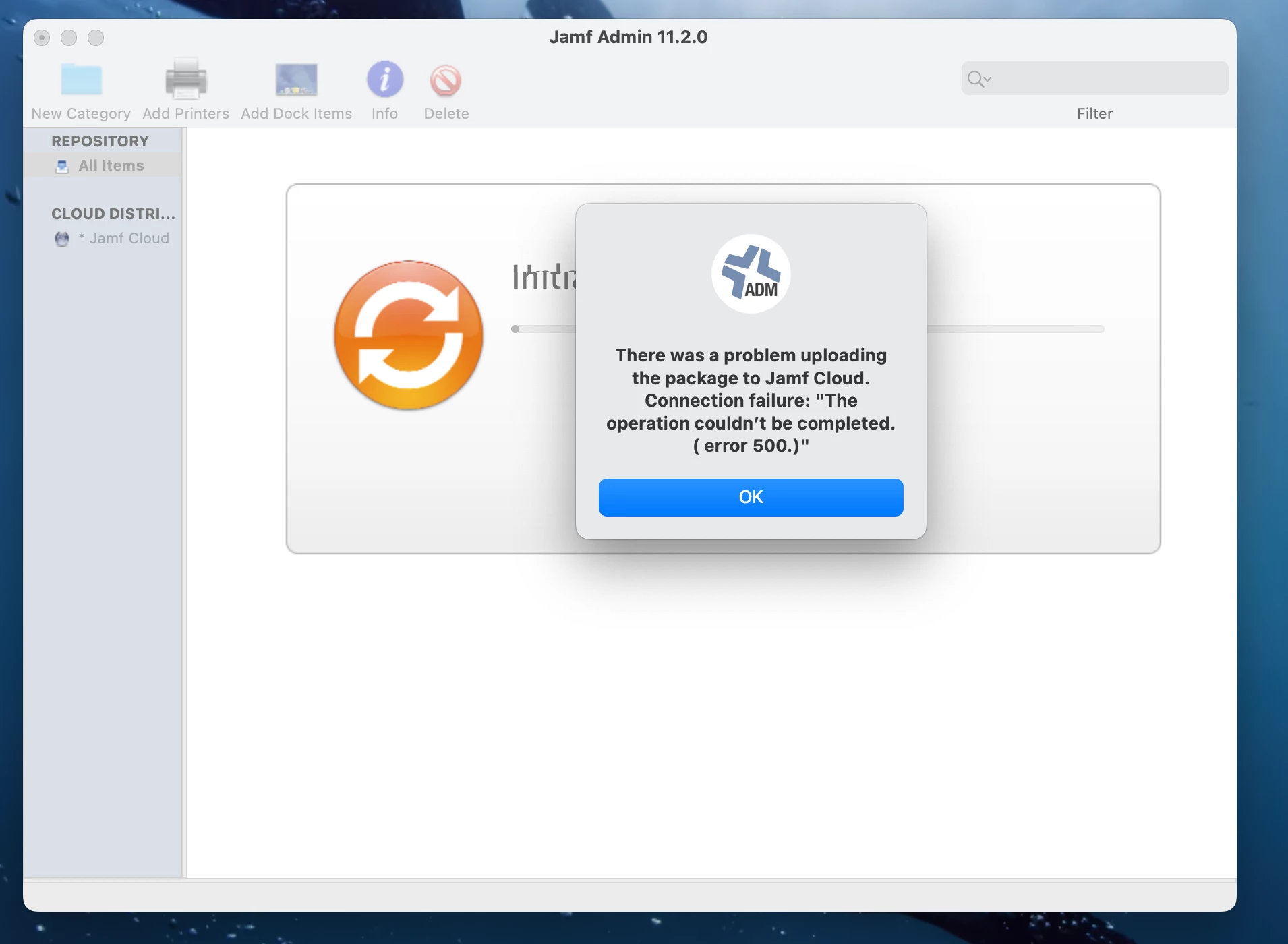
While uploading any PKG, I'm getting the message There was a problem uploading the package to Jamf Cloud.

Connection failure: "The operation couldn't be completed.

(error 500.)" , so please reply to me with the solution.  
3 replies

dlondon
Forum|alt.badge.img+14
  • Honored Contributor
  • March 20, 2024

I don't do it that way - I just upload via the Web interface - Settings > Packages > New

Then just choose the file(package/DMG) you want to upload and the category > Save

I do use Jamf Administrator to sync back to an on site SMB distribution point


Saikrishna
Forum|alt.badge.img+2
  • Author
  • New Contributor
  • March 20, 2024

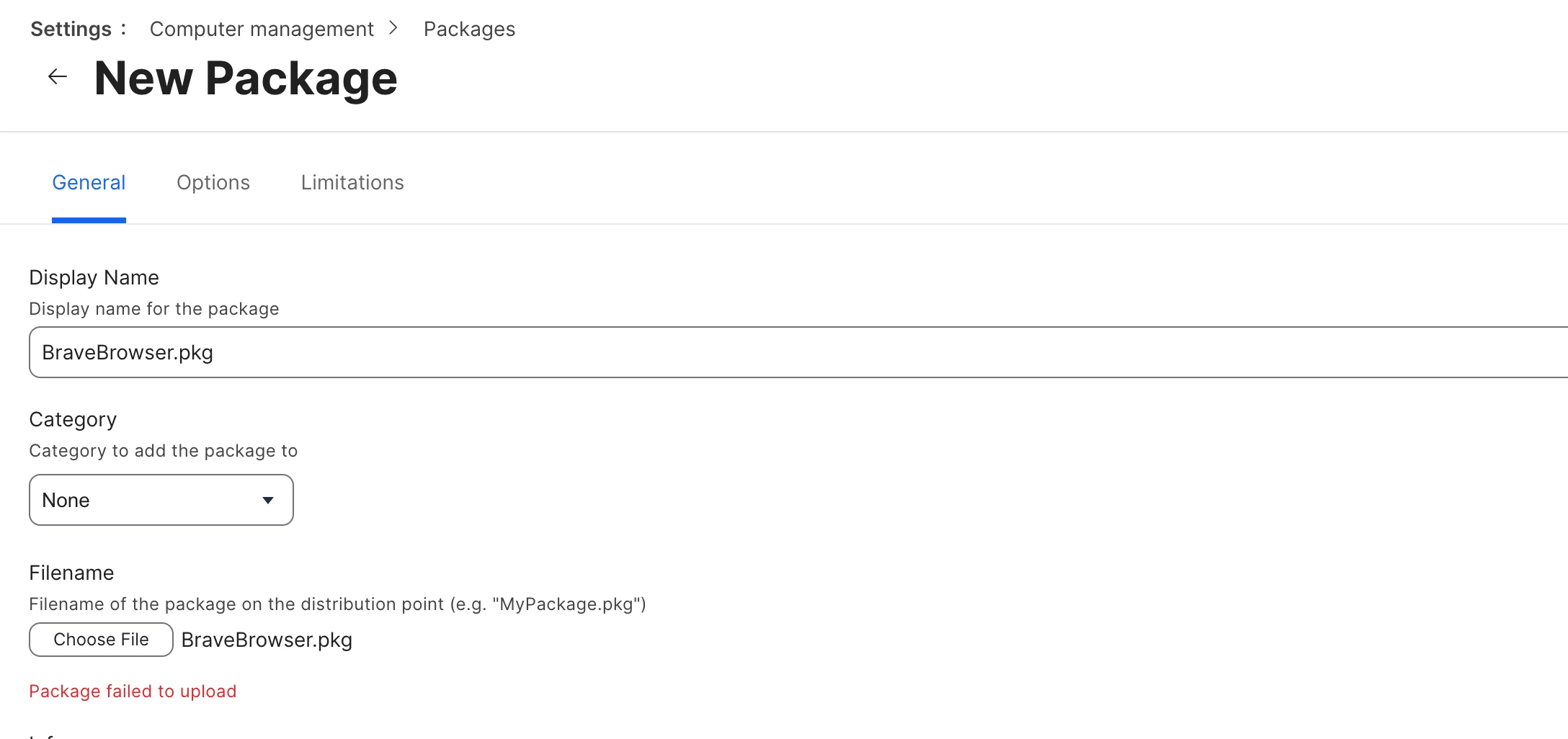
I tried the above you mentioned but the Error message " Package failed to upload" 

Please see the attached screenshot for more information.


dlondon
Forum|alt.badge.img+14
  • Honored Contributor
  • March 21, 2024

I tried the above you mentioned but the Error message " Package failed to upload" 

Please see the attached screenshot for more information.


Di it work ever?  If it did work before, do you have a firewall between you and Jamf Cloud?  If there is a firewall in place, have you seen the recent email about changes in IP addresses for Jamf Cloud?  Here's the current list that need to be allowed https://learn.jamf.com/en-US/bundle/technical-articles/page/Permitting_InboundOutbound_Traffic_with_Jamf_Cloud.html