Question

Truly lock an iPad?

  • June 5, 2024
  • 5 replies
  • 30 views

Forum|alt.badge.img+6

Is there a way to truly lock an iPad in JAMF that disables the end user for putting in their passcode to clear the message sent within the Device>Management>Lock Device?


It seems useless to send a lock device command only to have the end user be able to put in their passcode and ignore the command sent.

5 replies

mvu
Forum|alt.badge.img+20
  • Jamf Heroes
  • June 5, 2024

Try "Enable Lost Mode" yet?


Forum|alt.badge.img+6
  • Author
  • Contributor
  • June 5, 2024

Yea I just tried that and that seems to be the solution.  But it is not lost.  Just needs to be returned.


mvu
Forum|alt.badge.img+20
  • Jamf Heroes
  • June 5, 2024

Yeah. Not the best naming convention. We use it for other purposes other than a device being lost or stolen.


Forum|alt.badge.img+6
  • Author
  • Contributor
  • June 5, 2024

Yeah. Not the best naming convention. We use it for other purposes other than a device being lost or stolen.


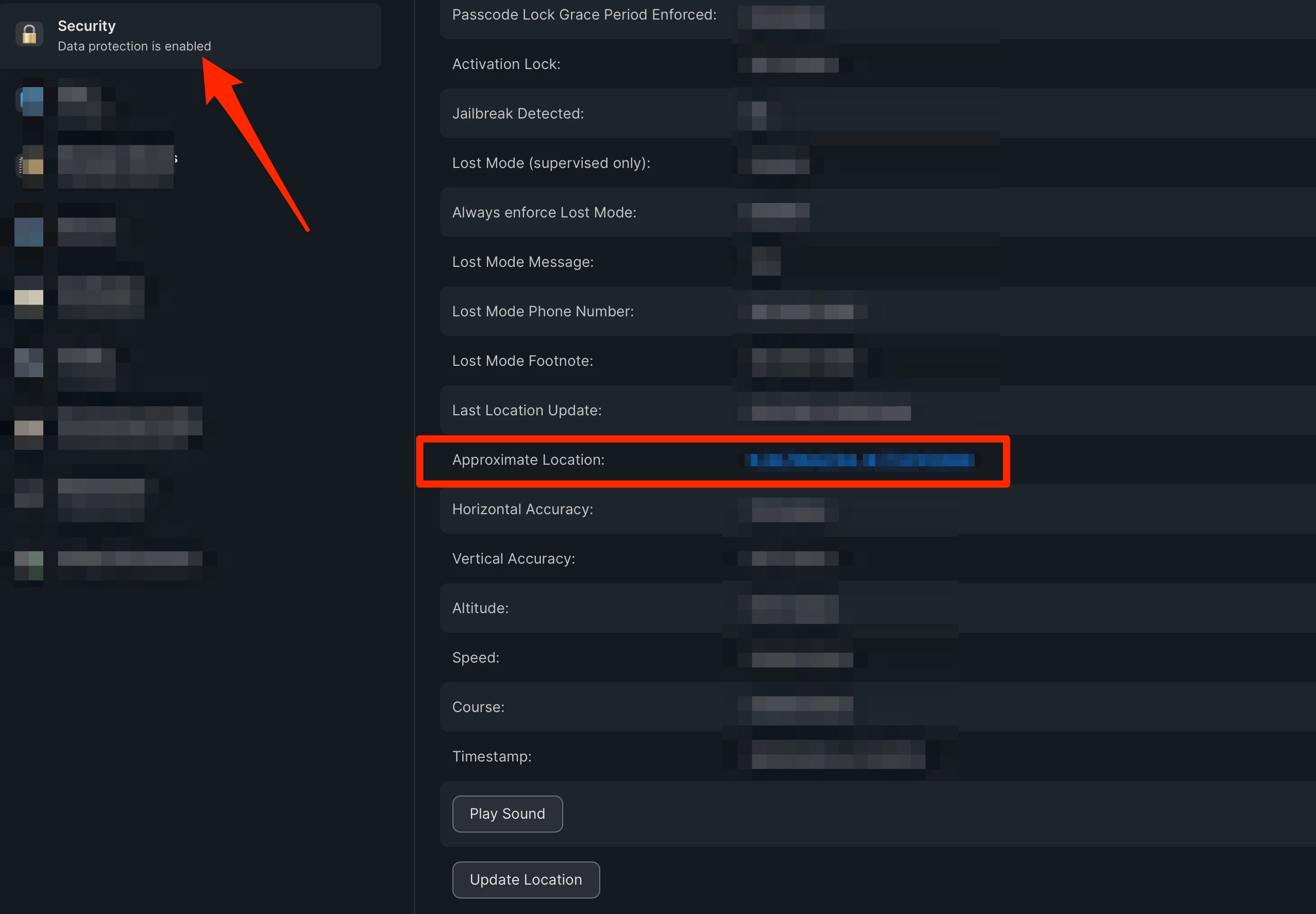
How did you get the location service to work?  When you re-enable its states it sends location back to JAMF.  I do not see it under the Inventory tab.  Should it be under this section which I have disabled?


Location Services For Self Service:Not Enabled/Unknown


mvu
Forum|alt.badge.img+20
  • Jamf Heroes
  • June 5, 2024

Under the Inventory Tab, go to Security.