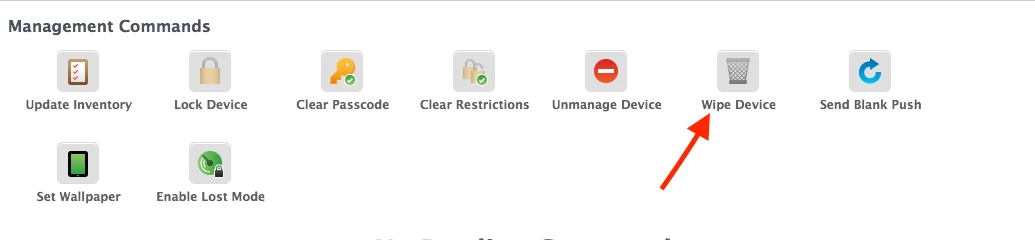
I have a small batch of iPads which I enrolled into Jamf using a Shared iPad flag in the Prestage enrolment. All testing done I now want to reset them so they are NOT Shared iPads. I've changed the Scope so that when they go back through the DEP activation they will pick up a non-Shared iPad Prestage.
So far so good. But the option to Erase All Content and Settings is not available on the iPads themselves. I can see a load of remote commands in Jamf I can use, but having got this badly wrong in the past can I ask which remote command will cause an iPad to completely reset itself back to "out of the box" state so that it can activate again in DEP? Last time I tried this I hit the wrong one, and managed to leave the iPad untouched and still Shared but no longer in Jamf! What a nightmare THAT was!