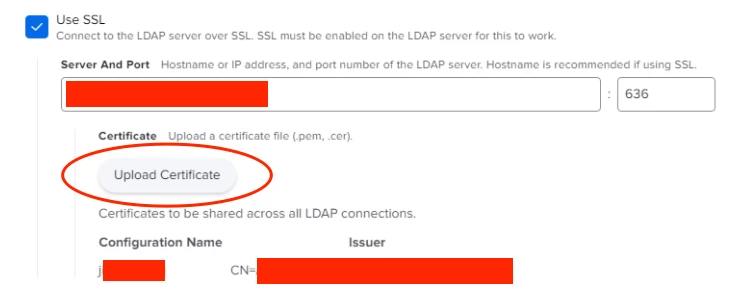
I've setup our JIM and LDAP Proxy on an AD box with an external IP address and an externally resolving DNS but Jamf keeps saying it's unable to connect to the LDAP server when using the Test button.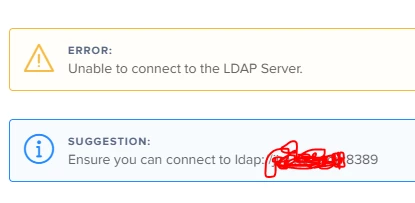
This JIM has one IP but dual DNS since our AD does not resolve externally. I use our InfoBlox DNS which can resolve externally to provide an externally resolvable DNS.
The DNS are something like jimmy.ad.company.com and jimmy.company.com respectively. When I do a reverse lookup of the IP from the JIM itself it provides the externally resolvable DNS of jimmy.company.com
This DNS name is what shows up on the Jamf side and it checks in about every minute.
Below is the log from Jamf Pro (we have a cloud instance).
Any ideas? Thanks.
2019-09-06 19:16:42,851 [ERROR] [ina-exec-17] [LdapDirContextFactory    ] - javax.naming.CommunicationException: jim.rice.edu:8389 [Root exception is javax.net.ssl.SSLException: Unexpected error: java.security.InvalidAlgorithmParameterException: the trustAnchors parameter must be non-empty]
2019-09-06 19:16:42,851 [WARN ] [ina-exec-17] [DAPServerTestHTMLResponse] - Unable to determine user membership
javax.naming.CommunicationException: jimmy.company.com:8389 [Root exception is javax.net.ssl.SSLException: Unexpected error: java.security.InvalidAlgorithmParameterException: the trustAnchors parameter must be non-empty]