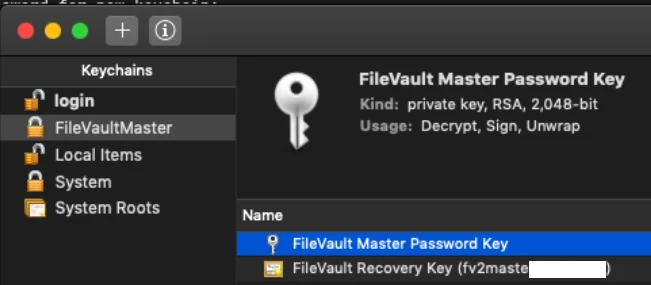
I followed the instructions listed out by rtrouton on filevault but ran into an issue with my apfs hard drive..
Laptop os - Mojave 10.14
The steps i took-
1-Created new filevault master keychain (multiple copies of it)
2-Edited one of the copies of the filevault master keychain to only contain the public key, and then uploaded that into JAMF as a .pem file.
3-Created a policy on JAMF to use the disk encryption configuration that contained that public key i just uploaded.
4-Rebooted laptop and finished encrypting.
5-Took the filevault master keychain and placed it in my thumb drive. This keychain contained both public and private key.
6. Boot laptop into recovery mode
7. Open up terminal and ran security unlock-keychain /path/to/FileVaultMaster.keychain to unlock the Filevault master keychain that contained both private and public key 8. Ran diskutil apfs unlockVolume UUID -recoveryKeychain /path/to/FileVaultMaster.keychain and then got this error "Error unlocking APFS Volume: The external-to-APFS security system's credential-unwrap operation failed (-69534)"
Any idea?