Question

Unable to view groups after update to 11

  • October 28, 2023
  • 6 replies
  • 14 views

Forum|alt.badge.img+14

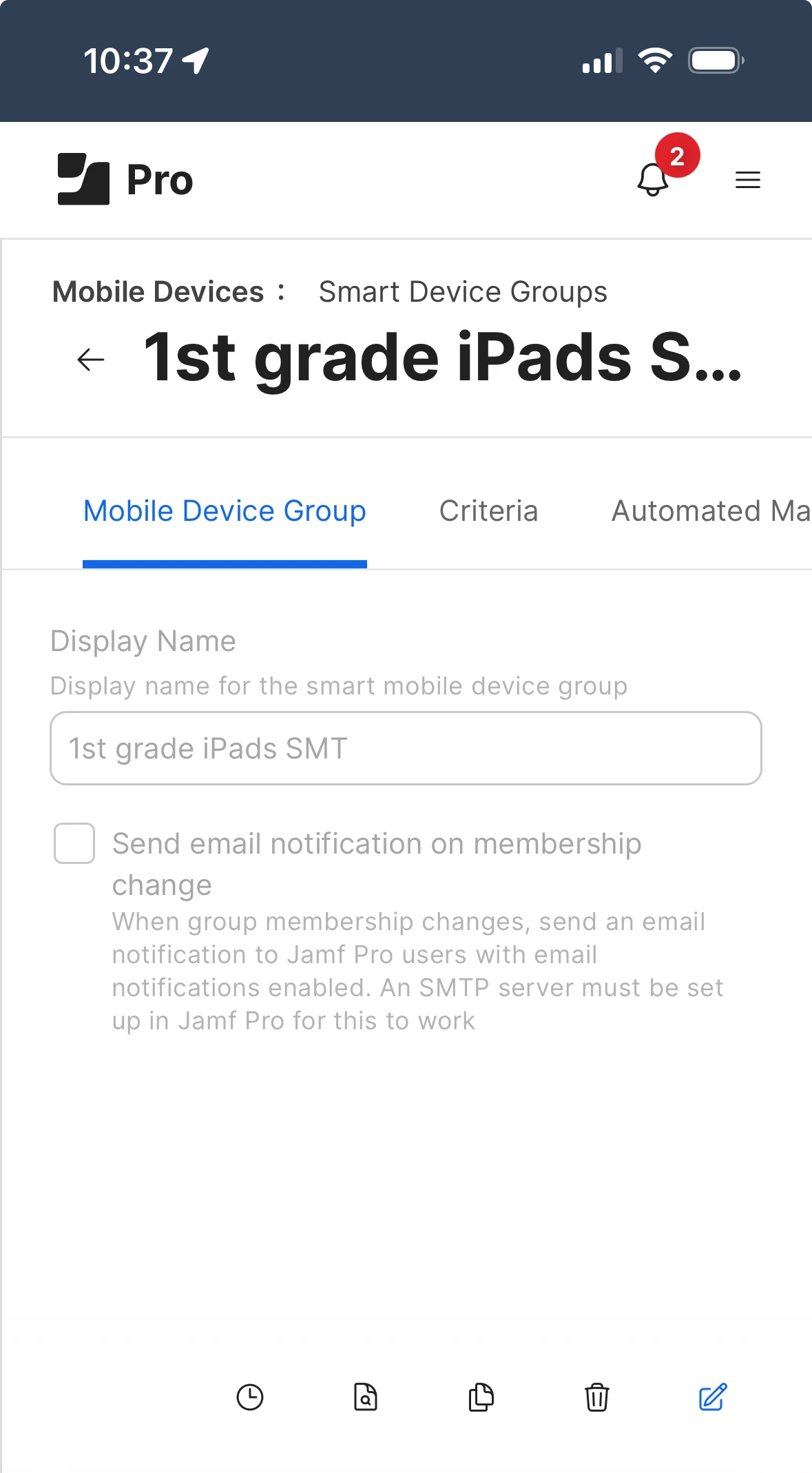
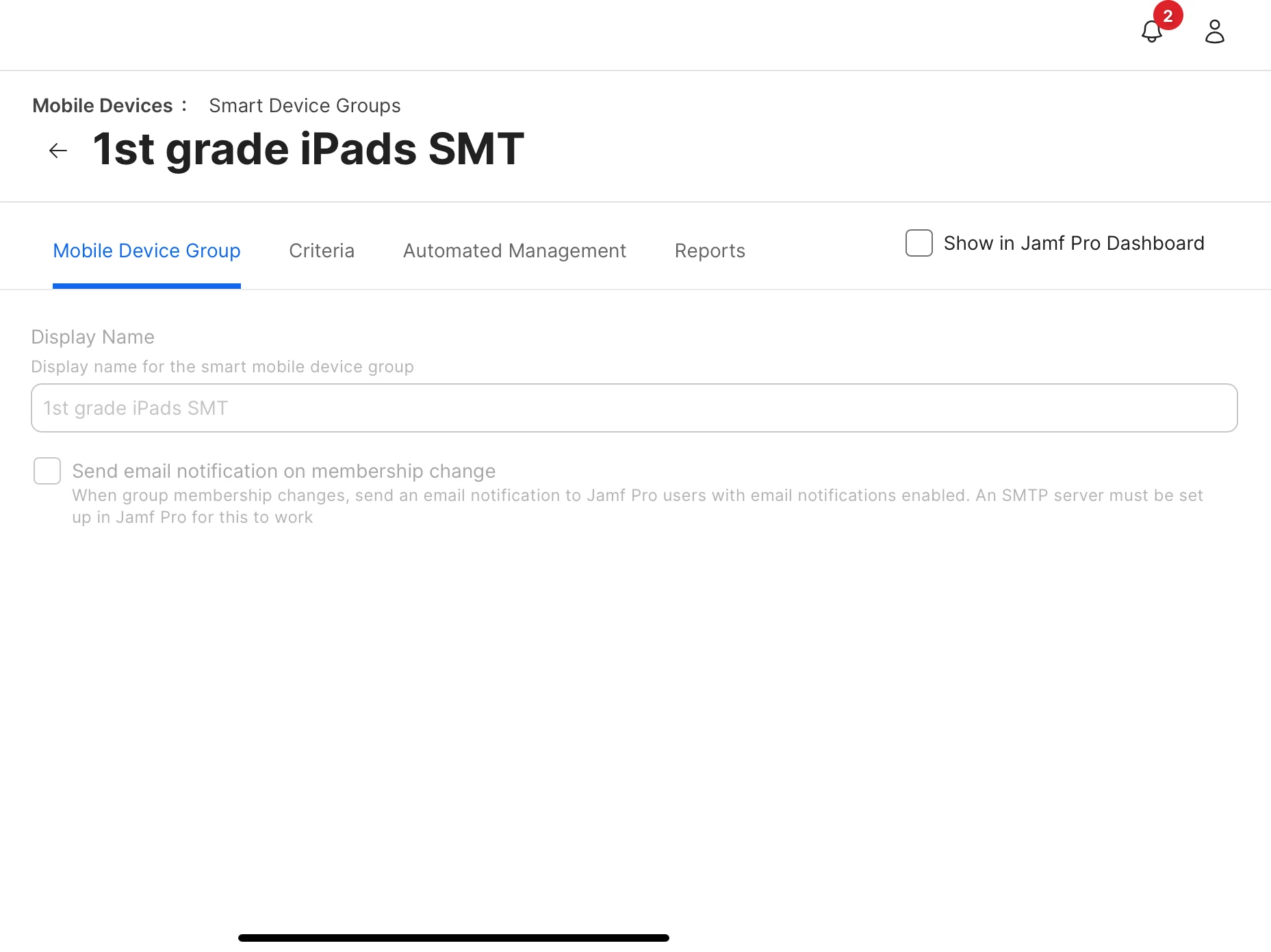
After the update was run on our cloud I can no longer view groups for computers or devices when logged in on an iPad.  The icons in the bottom left are not visible so there is nowhere to click to view the group members.  The groups are visible when viewing on a computer.

6 replies

stevewood
Forum|alt.badge.img+35
  • Hall of Fame
  • October 28, 2023

Use the burger stack in the upper right corner of the screen to access the nav items. At least on my iPhone that’s where they are. 


Forum|alt.badge.img+14
  • Author
  • Valued Contributor
  • October 28, 2023

Use the burger stack in the upper right corner of the screen to access the nav items. At least on my iPhone that’s where they are. 


Currently the stack is not visible on the iPad - in either orientation.  


Forum|alt.badge.img+14
  • Author
  • Valued Contributor
  • October 28, 2023

On my phone I see the icons to view the members of the smart group - on the iPad I do not see them


stevewood
Forum|alt.badge.img+35
  • Hall of Fame
  • October 28, 2023

On my phone I see the icons to view the members of the smart group - on the iPad I do not see them


Yeah, ok, I'm seeing similar on an iPad now that I'm home to test. I can see the icons at the bottom, but they are cut off. I would suggest opening a support ticket to report this. There may be a fix or it may be a PI.


Forum|alt.badge.img+14
  • Author
  • Valued Contributor
  • October 28, 2023

I have done that and will post back when they respond.  I just went to "hide toolbar" on the iPad and the icons are visible then.  But should not have to do that to see them.


Forum|alt.badge.img+14
  • Author
  • Valued Contributor
  • November 1, 2023

From Jamf:

Our development team is aware of this issue and it's currently being tracked. For your records, this has been attached to PI114951.