Solved

Using AutoDMG to get a DMG for OS X 10.11.3

  • January 19, 2016
  • 10 replies
  • 43 views

sepiemoini
Forum|alt.badge.img+21

The title says it all. I am running AutoDMG Version 1.5.4 (Build 412) and attempting to capture a 10.11.3 DMG file. Getting the below screen and this message.

"Installer deprecated by 10.11.3 14D21"
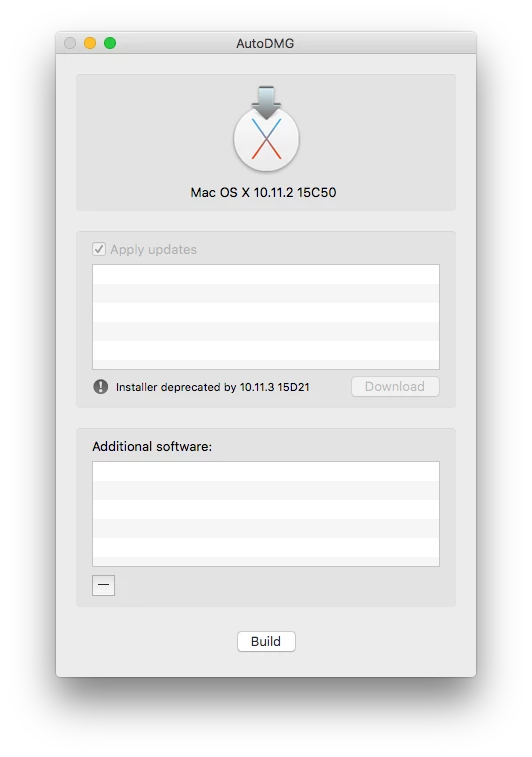
The installer being used is 10.11.2 (15C50) as the image above suggests. What's the best approach to get a 10.11.3 DMG?

I've checked this thread and the combo update provided by Apple will not work for this application.

Best answer by sepiemoini

@calumhunter @bmarks Got this working! As mentioned, I just deleted the El Capitan installer and re-downloaded this from the App Store. I was operating under the impression that the 10.11.3 update could be amended/obtained from the 10.11.2 installer I was previously using. Please disregard and thank you all for your help!

10 replies

bpavlov
Forum|alt.badge.img+18
  • Esteemed Contributor
  • January 19, 2016

I'm guessing that the update profile hasn't been updated for 10.11.3. Be on the look out. Usually gets updated same day or within a few days depending on MagerValp's schedule.

https://github.com/MagerValp/AutoDMG/blob/master/AutoDMG/UpdateProfiles.plist


Forum|alt.badge.img+14
  • Contributor
  • January 19, 2016

Profile has been updated. Perhaps manually run Update Profiles ...

Edit, you won't DL update/delta using AutoDMG ... you will need to DL 10.11.3 from Apple App Store or using internet recovery.


sepiemoini
Forum|alt.badge.img+21
  • Author
  • Employee
  • January 19, 2016

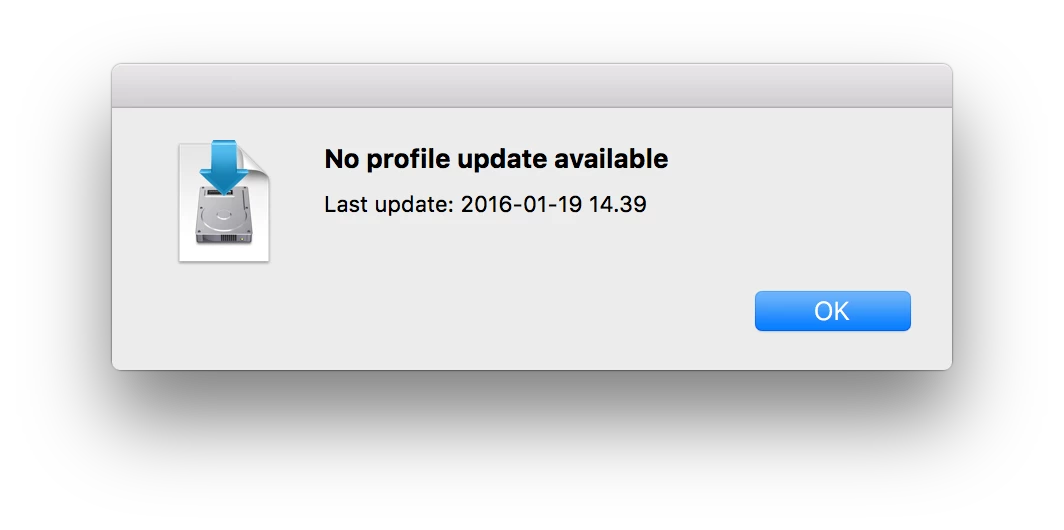
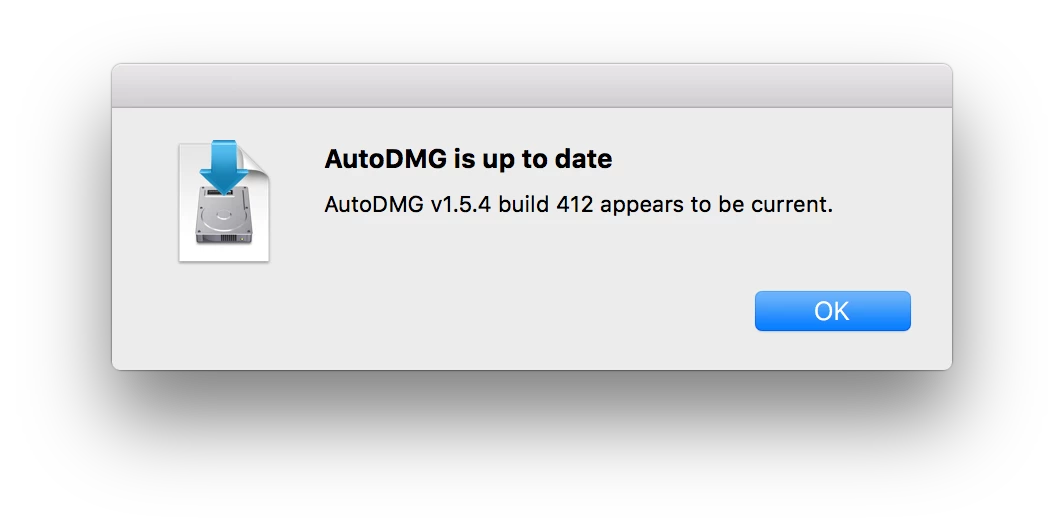
@bpavlov @CGundersen I just performed a manual update and got the following. I'll try again a few more times this week. Thanks!


Forum|alt.badge.img+14
  • Contributor
  • January 19, 2016

@sepiemoini

Yeah, your version of AutoDMG and profile look good to go. You just need to DL new 10.11.3 installer from Apple App Store or grab using internet recovery (if I'm understanding issue correctly). Feed/drop that into AutoDMG


donmontalvo
Forum|alt.badge.img+36
  • Hall of Fame
  • January 20, 2016

If this is still an issue, open an issue at Per's Github page:

https://github.com/MagerValp/AutoDMG/issues

He's been very responsive.

Don


Forum|alt.badge.img+15
  • Contributor
  • January 20, 2016

I just successfully built a DMG with the 10.11.3 installer app. A new profile just came down too. I had tried it about 8 hours ago and that wasn't the case.


Forum|alt.badge.img+10
  • New Contributor
  • January 20, 2016

Huh?

You need to download the new Install OS X from the app store and use that.

There is no issue with AutoDMG. The install OS X app that you dragged on to AutoDMG is version 10.11.2. You need to go download the 10.11.3 version from the app store


sepiemoini
Forum|alt.badge.img+21
  • Author
  • Employee
  • Answer
  • January 20, 2016

@calumhunter @bmarks Got this working! As mentioned, I just deleted the El Capitan installer and re-downloaded this from the App Store. I was operating under the impression that the 10.11.3 update could be amended/obtained from the 10.11.2 installer I was previously using. Please disregard and thank you all for your help!


donmontalvo
Forum|alt.badge.img+36
  • Hall of Fame
  • January 20, 2016

Tested last night, latest AutoDMG created 10.11.3 without a problem. Restored to a test Mac successfully.

Yet another beer owed to Per. :)

Don


Forum|alt.badge.img+18
  • Honored Contributor
  • January 20, 2016

I should note that my newly created 10.11.3 base via AutoDMG solved the issue which I was seeing with 10.11.2 in which the jamfHelper would not show up post 1st step imaging reboot.