

Question

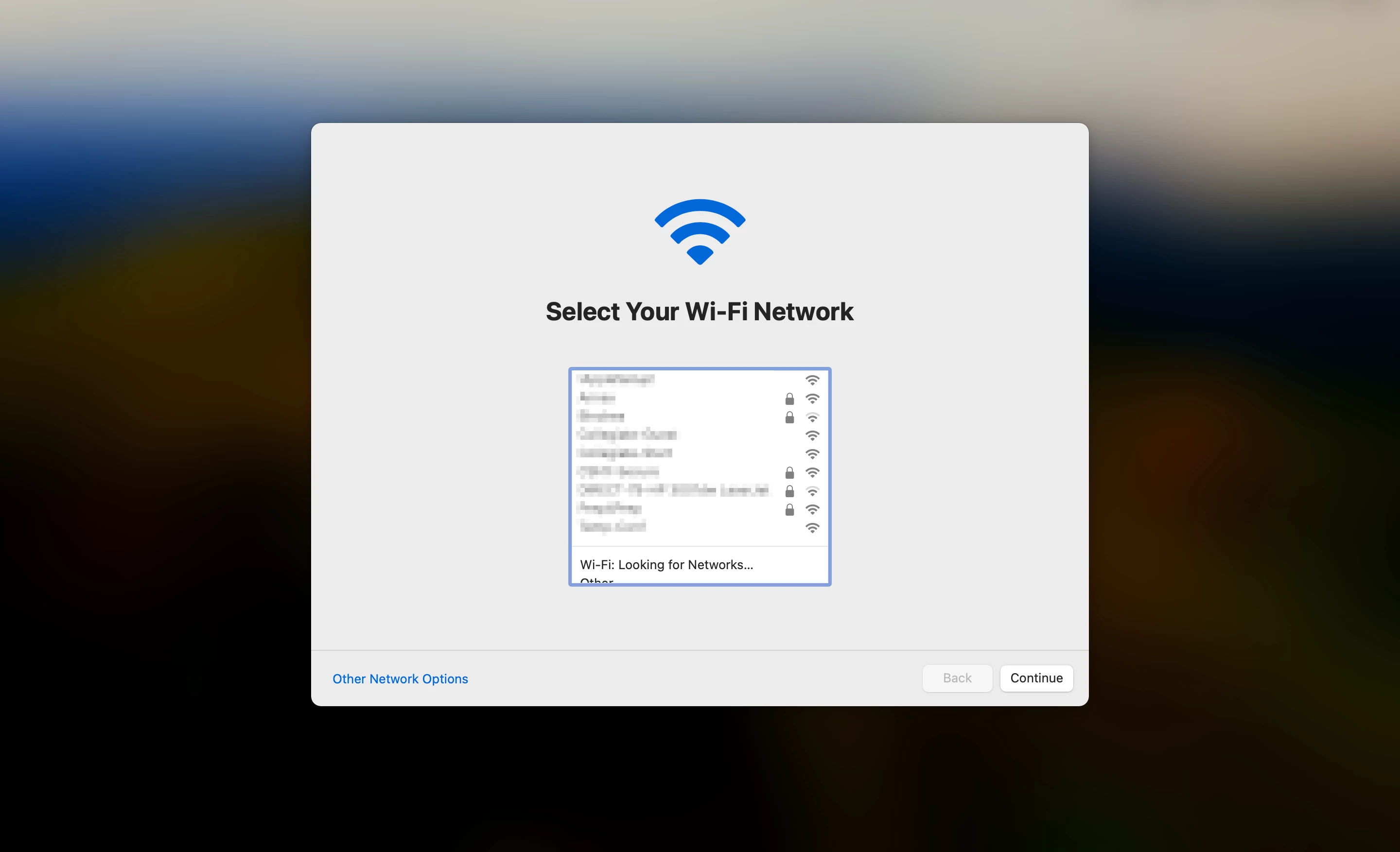
Wi-Fi selection at first login

  • June 21, 2024
  • 8 replies
  • 122 views

YanW
Forum|alt.badge.img+11

In lab or shared Mac, we have 802.1X profile, running the latest Jamf Connect, and Sonoma. All users first login through Jamf Connect to create their account, and the "Select Your Wi-Fi Network" screen comes up. We can skip it by clicking Continue because it already having Wi-Fi. Then goes to the desktop. 

It never does that in any macOS version except Sonoma. Not sure what causes that. Anyone has any ideas?

Thanks
 

8 replies

Forum|alt.badge.img+13
  • Contributor
  • July 17, 2024

I'm experiencing the same thing. Have you found the cause?


YanW
Forum|alt.badge.img+11
  • Author
  • Contributor
  • July 18, 2024

I'm experiencing the same thing. Have you found the cause?


It could be the 802.1x Wi-Fi profile. So far, I have better result to scope the Wi-Fi profile after the first user is created. 


Forum|alt.badge.img+13
  • Contributor
  • July 18, 2024

We're not using 802.1x but I do have a wifi config profile for adding an SSID. I have an open support case with Jamf. I'll report back when they get back to me.


Forum|alt.badge.img
  • New Contributor
  • August 15, 2024

We're not using 802.1x but I do have a wifi config profile for adding an SSID. I have an open support case with Jamf. I'll report back when they get back to me.


Hi @Johnny_Kim 

Do you have any update on this issue?


Forum|alt.badge.img+3
  • New Contributor
  • August 19, 2024

We are experiencing the same issue. No wifi profile installed.  We are enrolling the machine via ethernet then disconnecting, handing off to a potential user, and because we have WPA Enterprise we have to select, "my computer doesn't connect to the internet" and then join the wifi.  We are not using jamf connect, and don't have it, just jamf pro. 


Forum|alt.badge.img+1
  • New Contributor
  • October 1, 2024

Did anyone found a fix for this issue? i couldn't find any plist options to disable it. 


YanW
Forum|alt.badge.img+11
  • Author
  • Contributor
  • October 1, 2024

nope. It might have something to do with this 

  • [PI119511] The Jamf Connect login window currently displays the following message, even while computers have an active network connection: "Wi-F networks are currently unavailable".


Forum|alt.badge.img+1
  • New Contributor
  • October 3, 2024

nope. It might have something to do with this 

  • [PI119511] The Jamf Connect login window currently displays the following message, even while computers have an active network connection: "Wi-F networks are currently unavailable".


Well i don't have Jamf Connect and also have this issue. With ventura the issue is not there.