Solved

Installing/Updating Slack (not from app store)

  • April 26, 2022
  • 4 replies
  • 161 views

dgarrigan
Forum|alt.badge.img+3

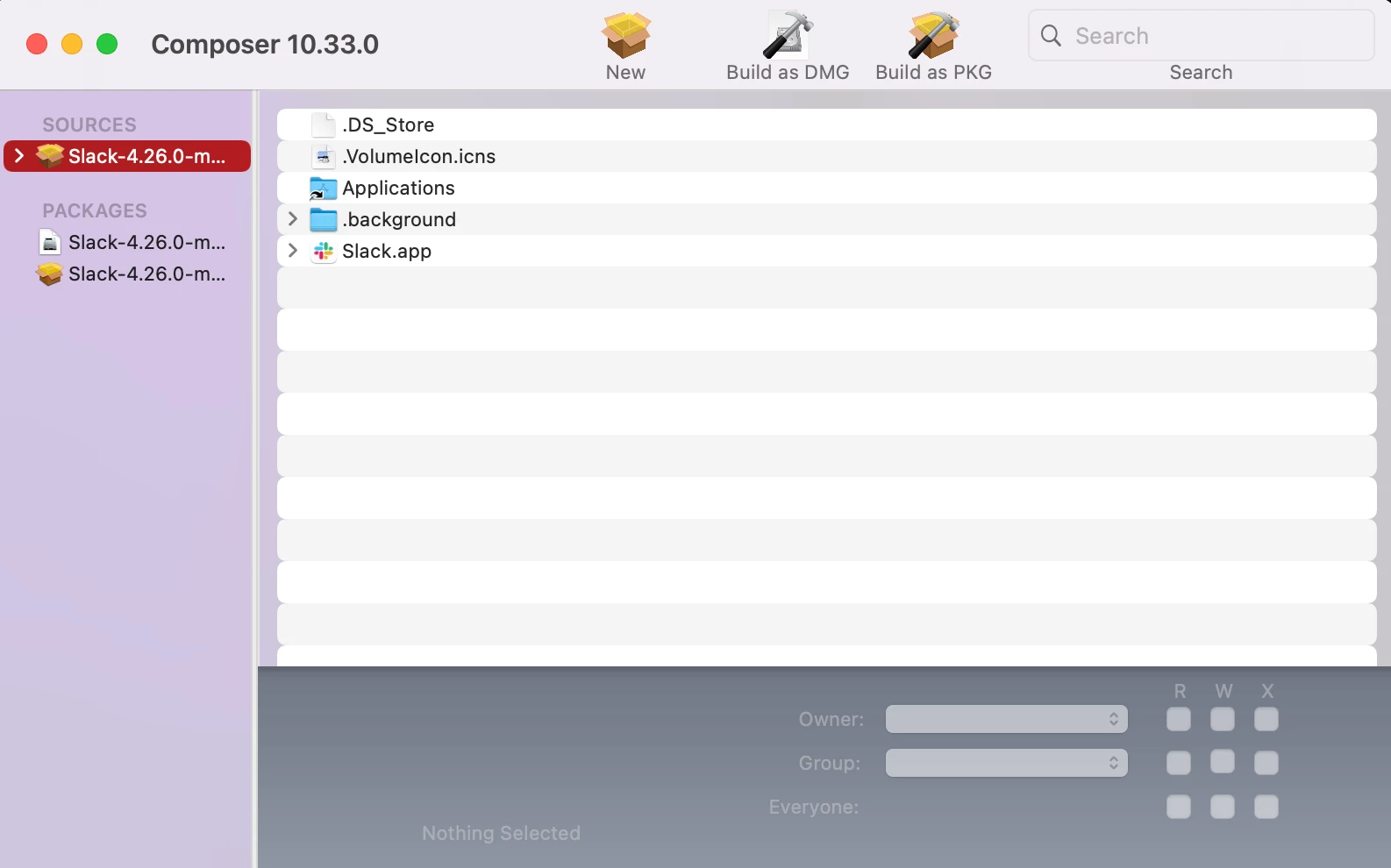
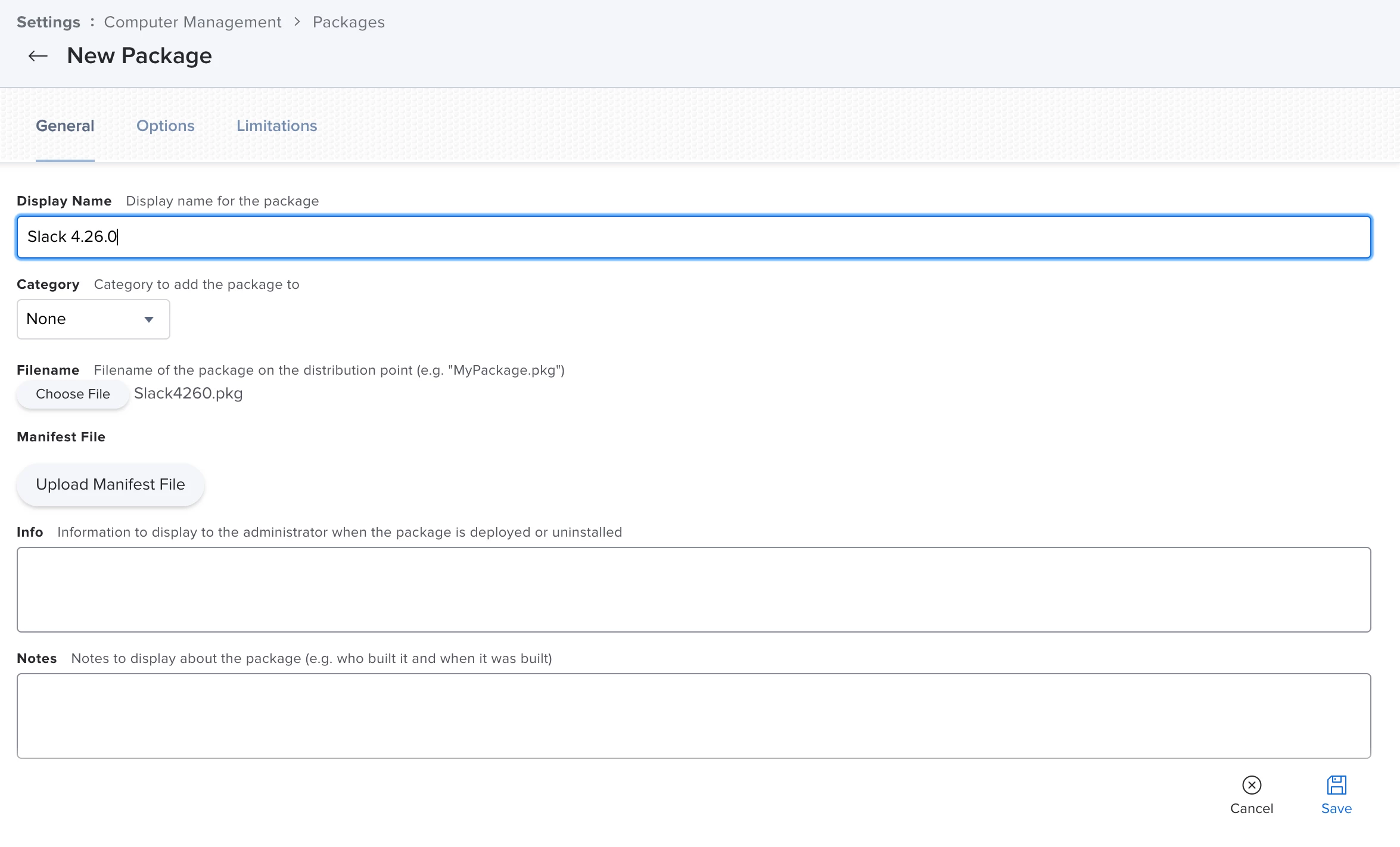
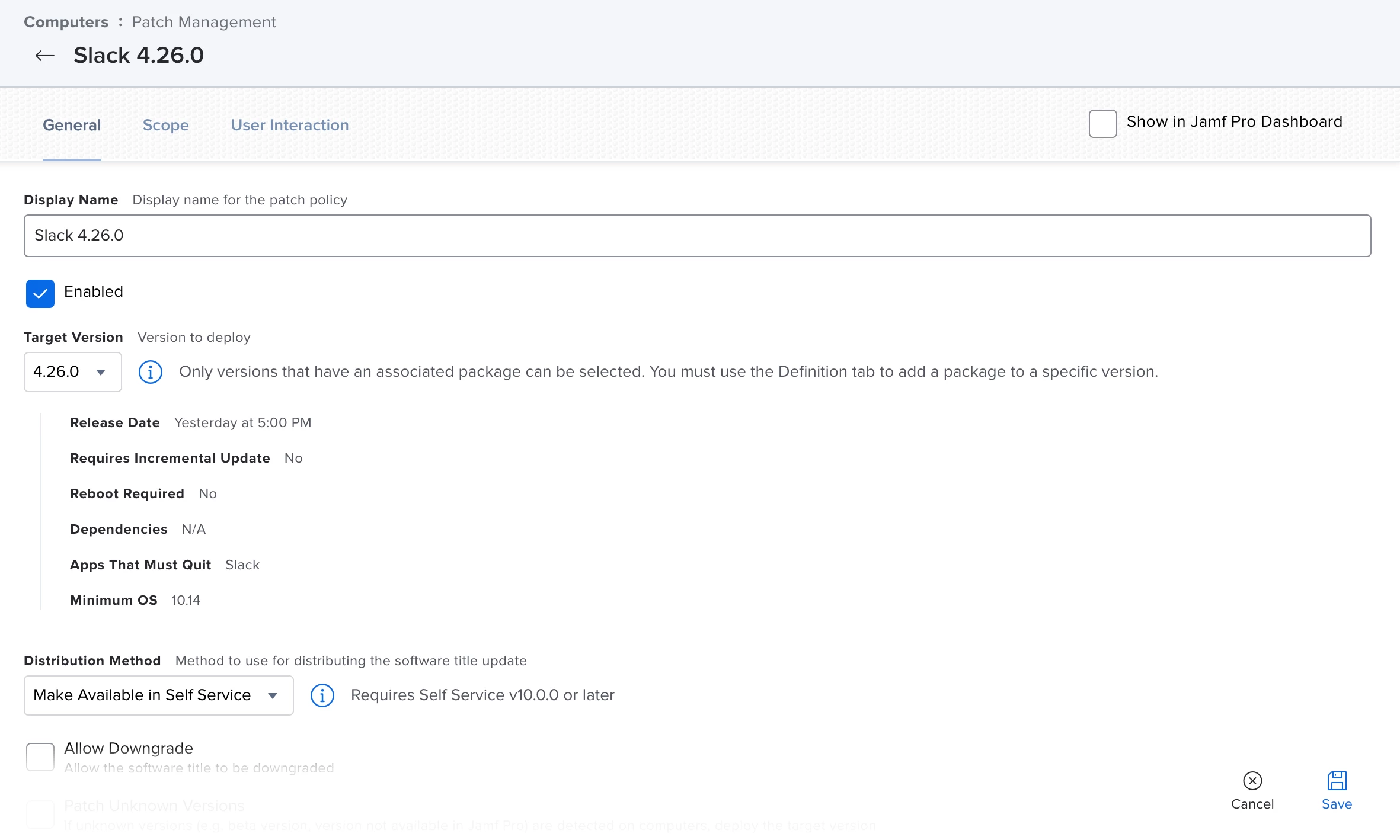
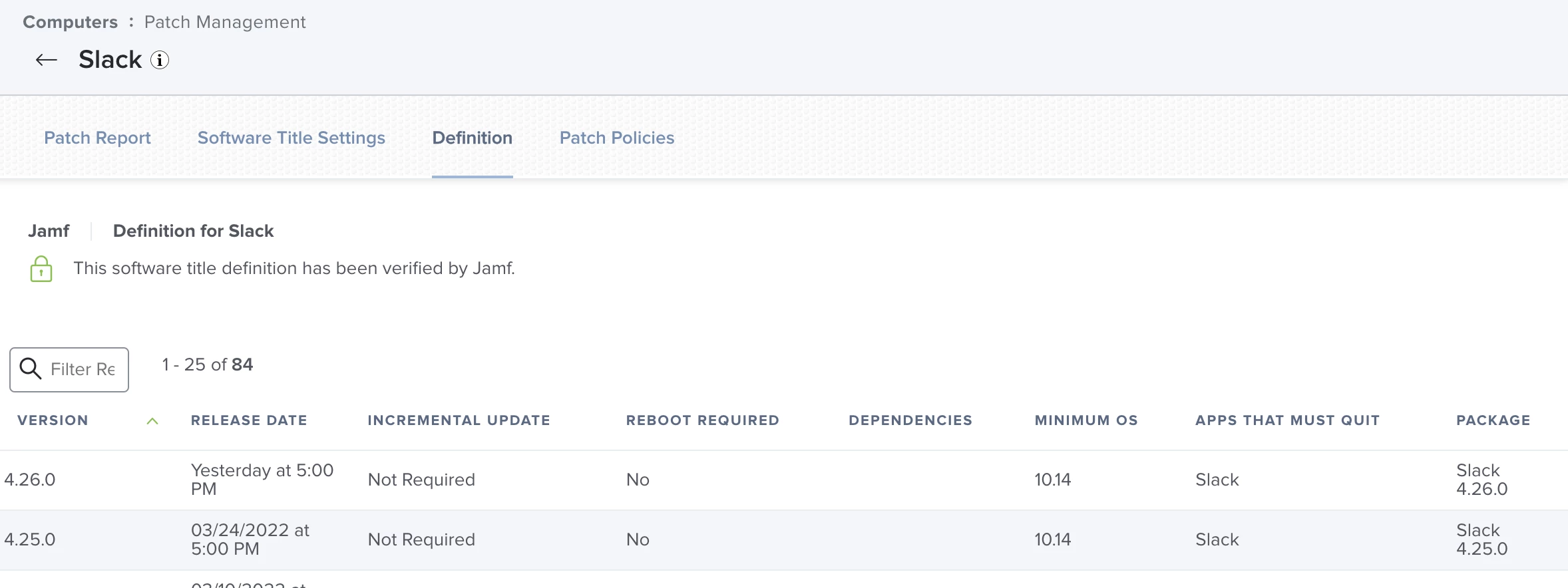
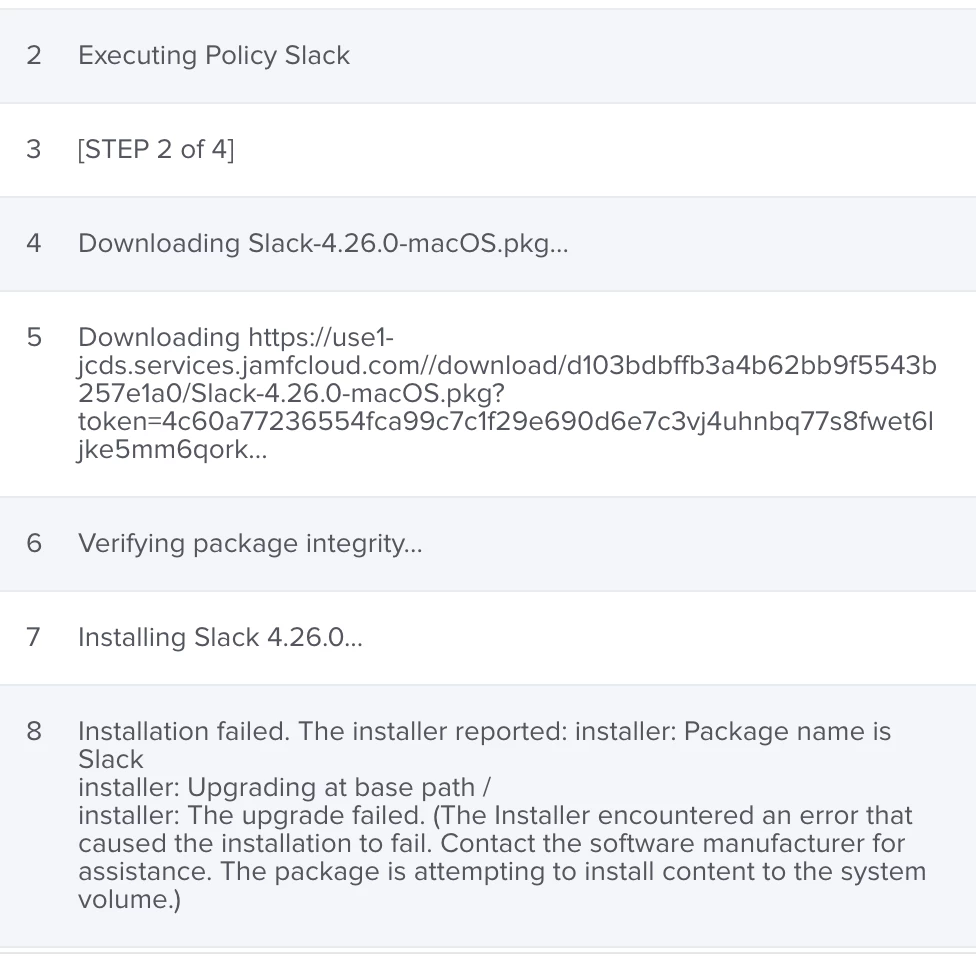
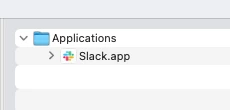
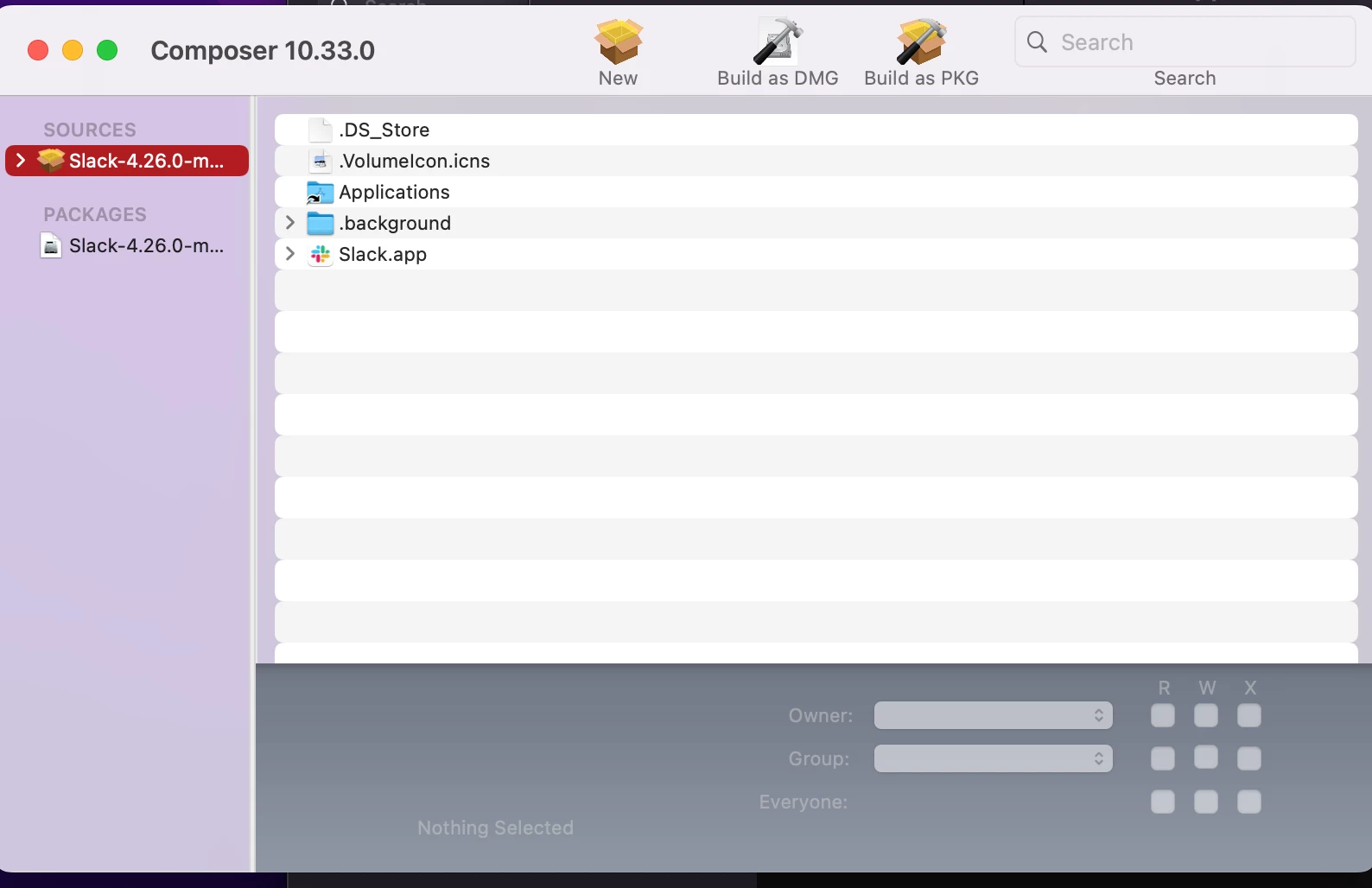
I'm running into an issue when i'm pushing out Slack to users.  I create the package using Composer and then do the usual process of uploading it into JAMF.  In the screenshots below you’ll see how i’m doing that process.  And in the final screenshot is the error showing up in the logs that is preventing the successful install.  Any help with this would be greatly appreciated!
Best answer by arnoldtaw

Not sure if you accidentally uploaded the same screenshot twice? Do you normally install applications to the root (/xyz.app)? 

Normally, we would place xyz.app under /Applications/xyz.app 


If you are a Jamf Cloud customer, you can also try Jamf's new App Installers. Slack is available via App Installers.

https://docs.jamf.com/jamf-app-catalog/App_Installers_Software_Titles.html


4 replies

arnoldtaw
Forum|alt.badge.img+9
  • Contributor
  • Answer
  • April 26, 2022

Not sure if you accidentally uploaded the same screenshot twice? Do you normally install applications to the root (/xyz.app)? 

Normally, we would place xyz.app under /Applications/xyz.app 


If you are a Jamf Cloud customer, you can also try Jamf's new App Installers. Slack is available via App Installers.

https://docs.jamf.com/jamf-app-catalog/App_Installers_Software_Titles.html


DBrowning
Forum|alt.badge.img+24
  • Esteemed Contributor
  • April 26, 2022

You can also look at options like autopkgr or the cli version autopkg 


Forum|alt.badge.img+8
  • Valued Contributor
  • April 26, 2022

Slack is also really good at keeping itself updated. I wouldn't bother packaging it and I would use Installomator instead for distribution. 


dgarrigan
Forum|alt.badge.img+3
  • Author
  • New Contributor
  • April 27, 2022

Not sure if you accidentally uploaded the same screenshot twice? Do you normally install applications to the root (/xyz.app)? 

Normally, we would place xyz.app under /Applications/xyz.app 


If you are a Jamf Cloud customer, you can also try Jamf's new App Installers. Slack is available via App Installers.

https://docs.jamf.com/jamf-app-catalog/App_Installers_Software_Titles.html


Thanks so much for sharing that info about the Jamf App Catalog.  I tested that out for a few users and it's working seamlessly.  We'll be using this going forward for Slack