
Hi all,
Following instructions https://learn.jamf.com/bundle/jamf-pro-documentation-current/page/Supervision_Identities.html
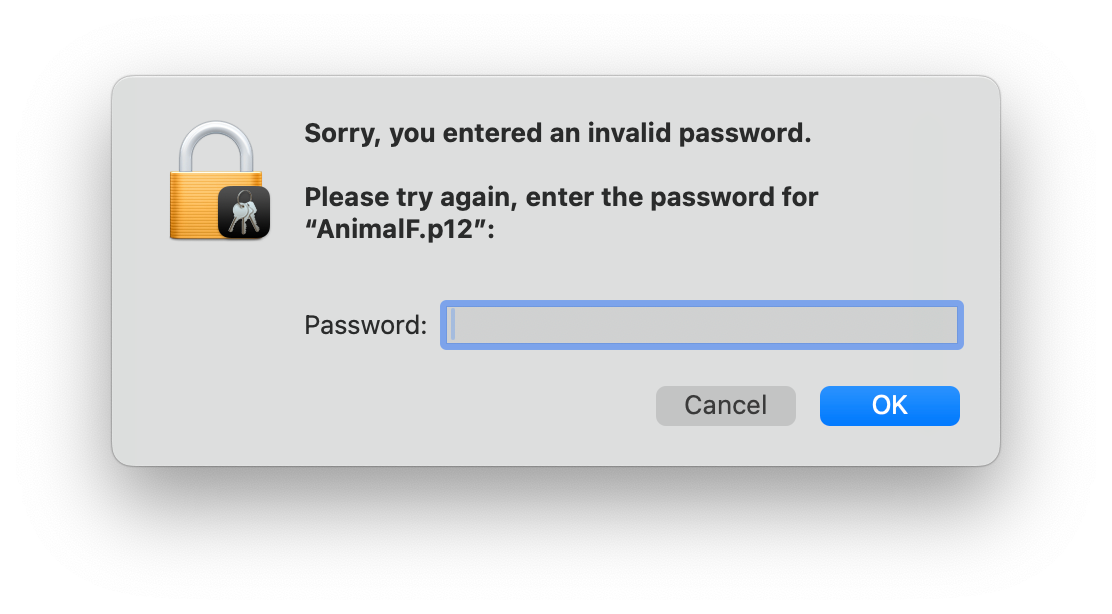
at the point where I need to need to import the certificate into Keychain I get an error password incorrect:
- Double-click the supervision identity ( .p12) file.
- When prompted, select the System keychain from the Keychain menu and click the Add button.
- Enter the local administrator password.
- Enter the password for the .p12 identity certificate.
Any idea how to solve this?