Hi All,
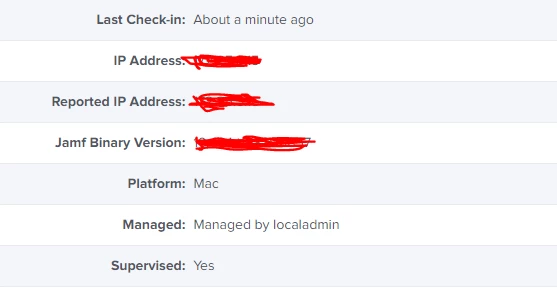
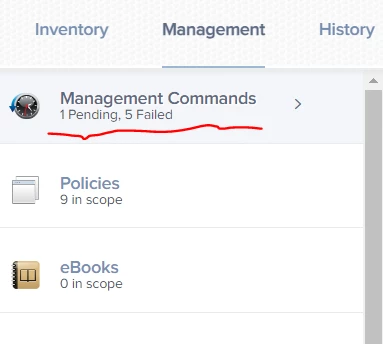
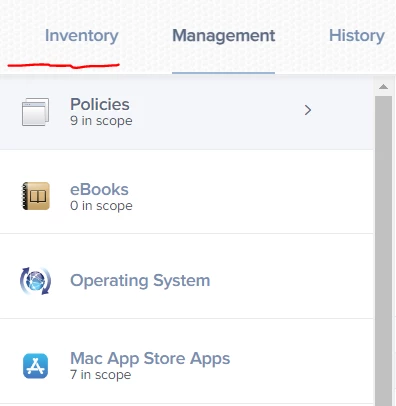
Does anyone know why the Management Command tab (See the attached image -02) is missing from some iMacs on the JAMF? Imac is communicating to the JMAF server but I can not push any software or any commands.
Help will be much appreciated


 +7
+7Hi All,
Does anyone know why the Management Command tab (See the attached image -02) is missing from some iMacs on the JAMF? Imac is communicating to the JMAF server but I can not push any software or any commands.
Help will be much appreciated
Best answer by CLG
Hi All,
I managed to fix the issue it was the CrowdStrike virus guard that was blocking the deployments.
We have added all our iMacs to EDR (XDR) and installed Defender. For some reason, we have missed this iMac. I have uninstalled the CrowdStrike and installed the Defender and it works like a charm now.
Now the Management tab is available.
Hope this will help someone and thanks to everyone who helped me @TrentO
Enter your E-mail address. We'll send you an e-mail with instructions to reset your password.