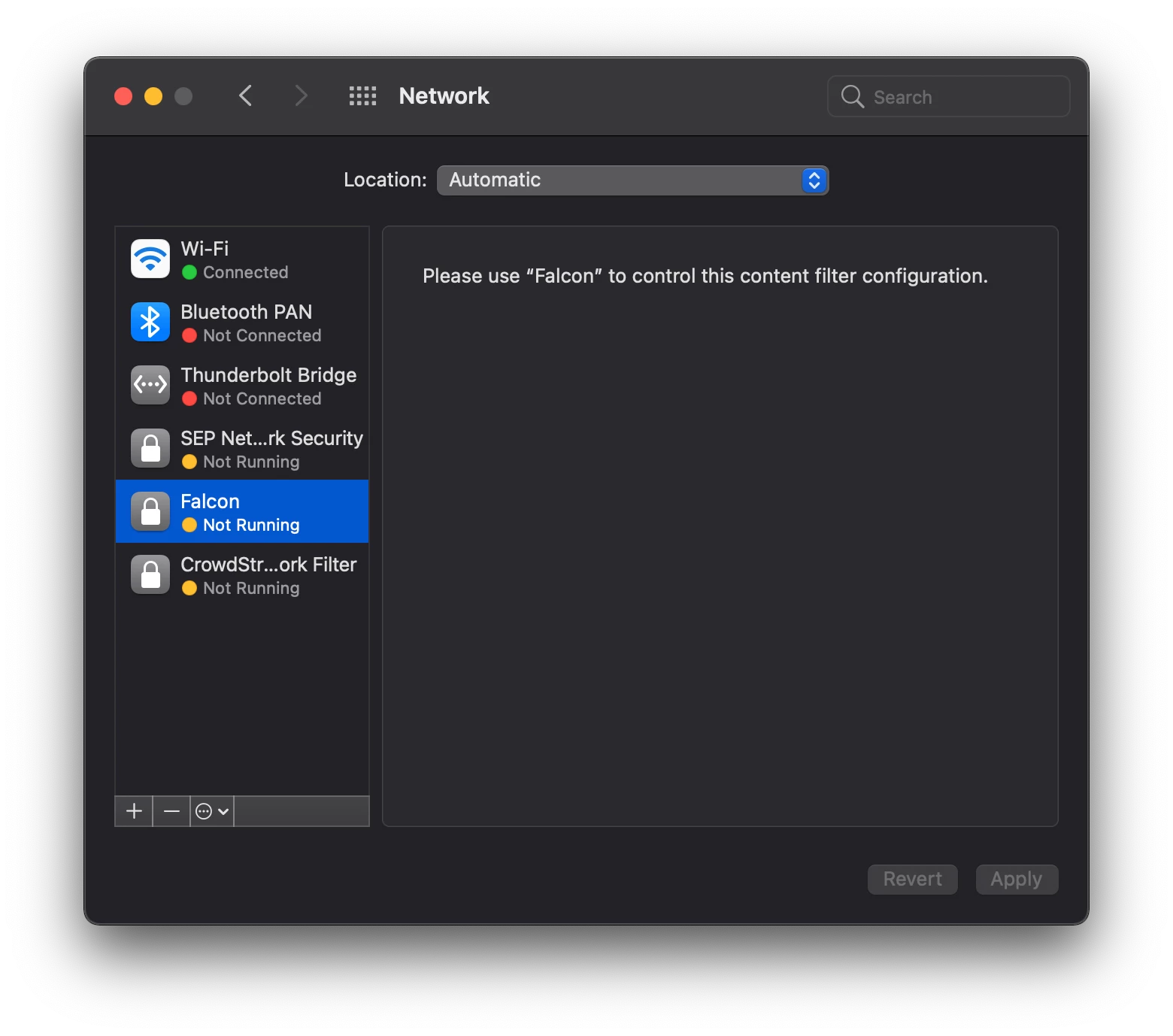
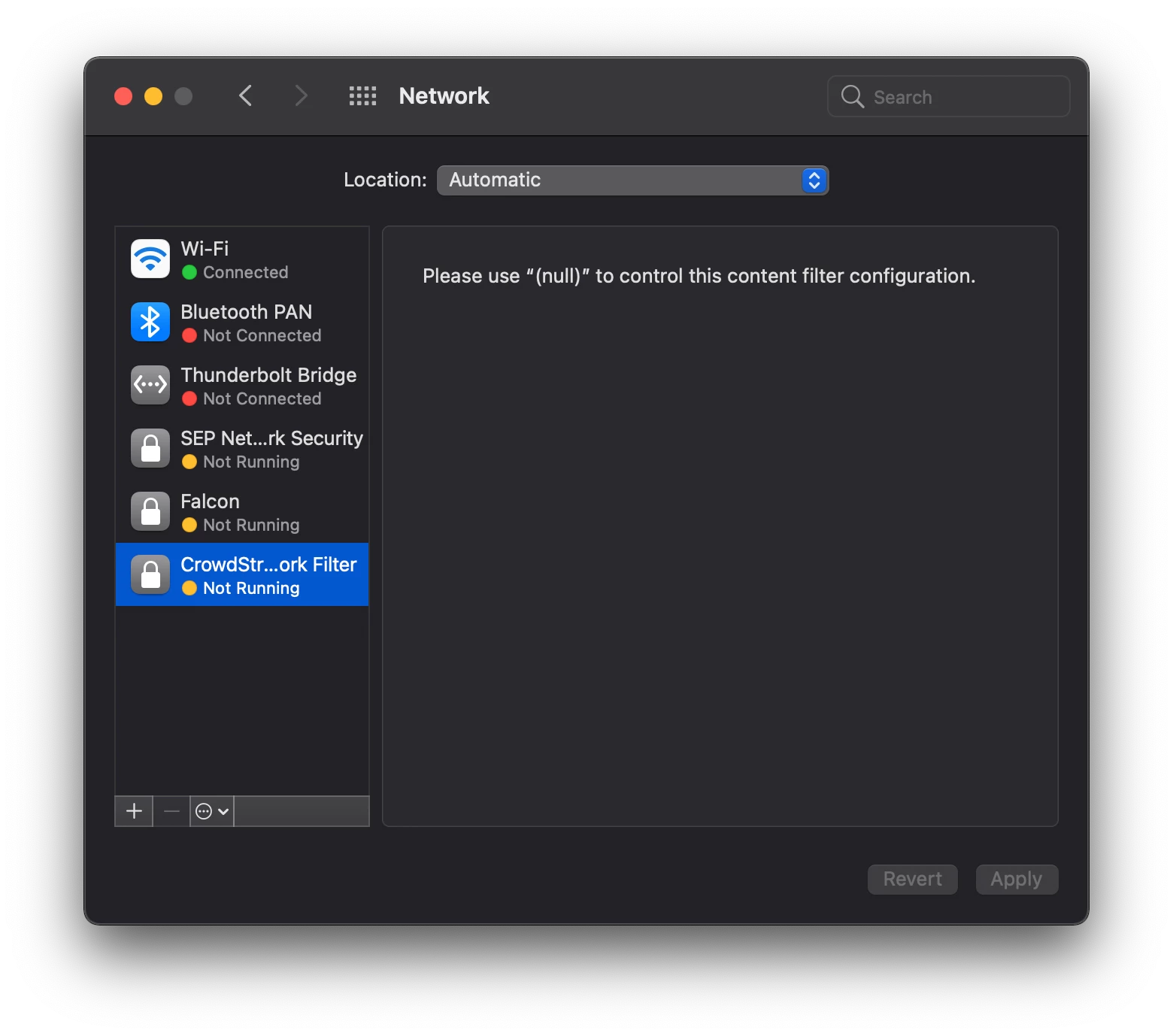
I have run into an issue with two programs now. Carbon Black (on premise) and Pulse Secure. Both programs include a network filter. I have instructions for each of them from the Vendor. They both include a Privacy Preferences Policy Control, System Extensions and Content Filter payloads. The Content Filter payload seems to create a Web Content Filter that can be viewed in System Preferences > Network. However, when I install the program I get a pop-up that asks me to allow Network Content Filtering (screenshot attached).
Per Jamf Support's suggestion I changed the System Extension payload from Allowed System Extensions (with the Team ID and specific System Extension) to Allowed System Extension Types and chose Network. This prevented the pop-up but upon restarting and going into System Preferences > Security & Privacy I got a message that said System Software from es-load (the same name as in the pop-up) was blocked from loading. Once I clicked Allow I got the same pop-up that I got previously.
I'm wondering if anyone has experience with the Filter Network Content pop-up and if so how did you approve it via a configuration profile?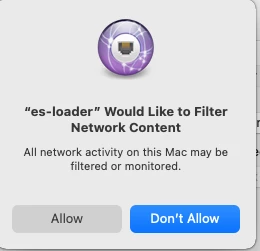

Question
Program Would Like to Filter Network Content pop-up
 +3
+3

Enter your E-mail address. We'll send you an e-mail with instructions to reset your password.