Question

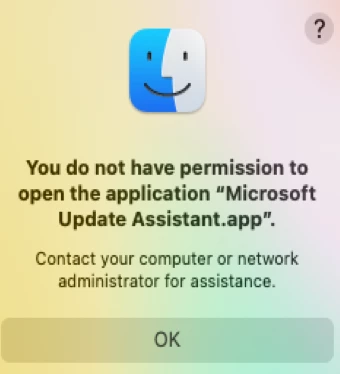
You do not have permission to open the application "Microsoft Update Assistant.app". Error

  • October 8, 2021
  • 5 replies
  • 33 views

Forum|alt.badge.img+7

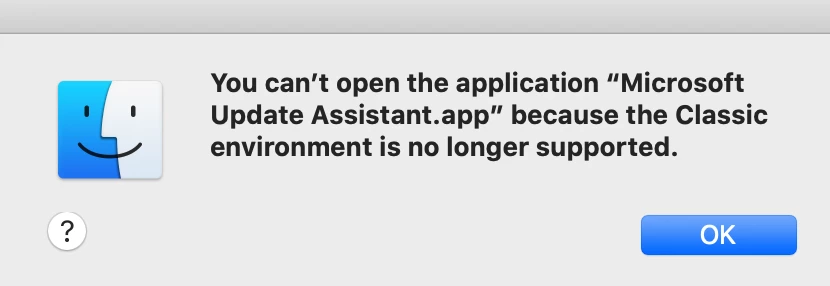
Just wondering if anyone has filed a case with Microsoft in regards to the error messages below.  We noticed this happening when trying to push the last 2 versions of office365.  Hoping to get a case# so that we can refer to it.  
 

5 replies

Forum|alt.badge.img+16
  • Contributor
  • October 8, 2021

Yes. I saw that back in August when I had a policy to install Office 2019 and or the individual VL apps. What many have found to be effective is including the Microsoft Autoupdater as a separate pkg in that same policy. The other alternative is to push a config profile using the built in payloads provided by Jamf to prevent MAU from opening after an installation of 2019 or 365.


hodgesji
Forum|alt.badge.img+17
  • Contributor
  • October 8, 2021

We have also seen this with the last 2 package updates for MS AutoUpdater. I haven't filed it, but would be interested to know if others have a case # as well!


colorenz
Forum|alt.badge.img+7
  • Valued Contributor
  • October 8, 2021

Workarround for us start it in the User Context after the Office Install an kill it. We use this command as a Files and Process Command in a Policie.

UserName=$(ls -la /dev/console | cut -d " " -f 4) ; sudo -u $UserName open /Library/Application\\ Support/Microsoft/MAU2.0/Microsoft\\ AutoUpdate.app; sleep 5 ; killall "Microsoft AutoUpdate"

 https://macadmins.slack.com/archives/C07UZ1X7B/p1630064267024300?thread_ts=1630058894.023500&cid=C07UZ1X7B


junjishimazaki
Forum|alt.badge.img+10

What I did was go to /Library/Application Support/Microsoft and deleted the MAU2.0 folder and re-install the auto-updater package. 


Forum|alt.badge.img+7
  • Author
  • Contributor
  • October 14, 2021

Just pushed 16.54 to a catalina device and a big sur device without the workaround.  I think they fixed it.