Solved

Jamf Pro LAPS

  • February 26, 2024
  • 2 replies
  • 34 views

Forum|alt.badge.img+7

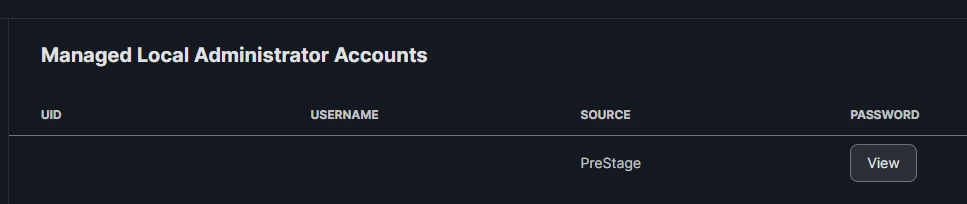
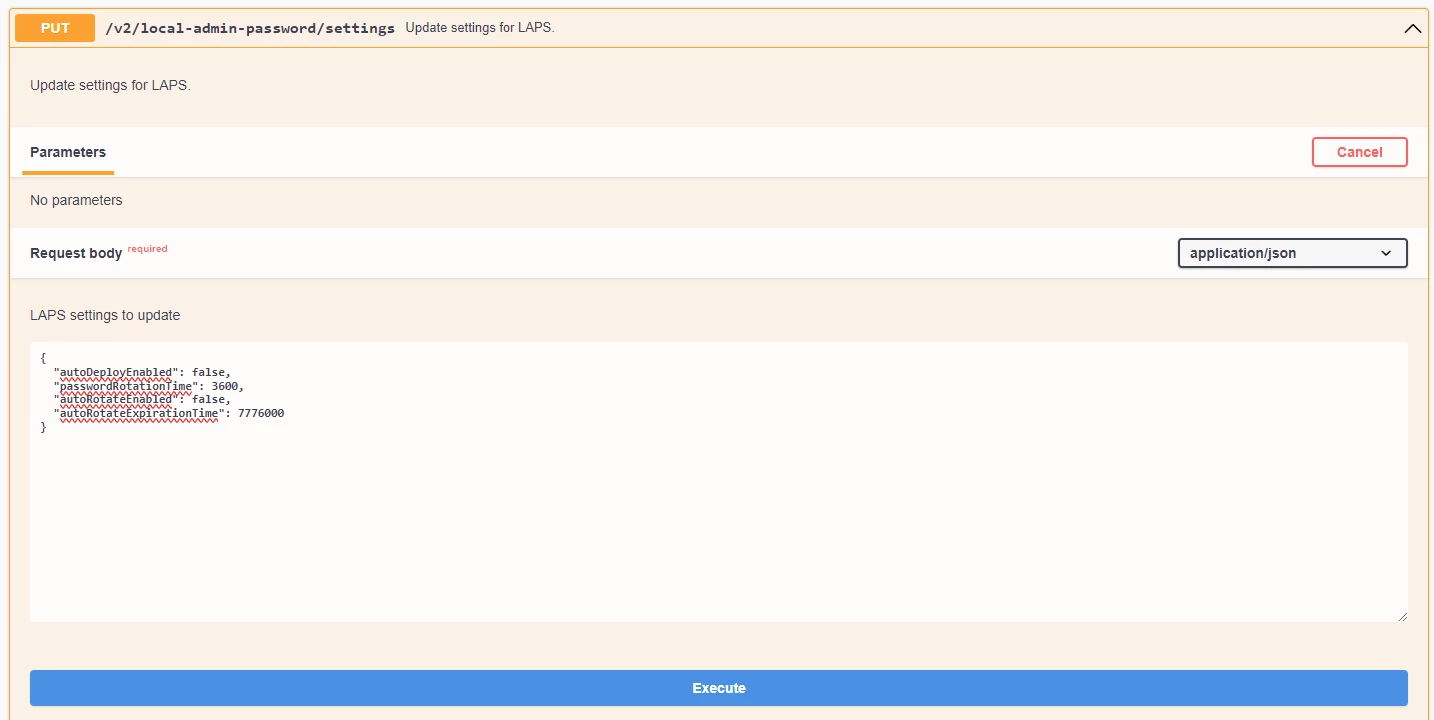
Am I right in believing I have to change the setting for "autoDeployEnabled" to true before I will be able to see the password of a local admin? At the moment if doesn't appear to do anything even though it will pop-up a message saying viewing the password will cause the password to rotate in 1 hour.

Currently just looking to see what/how this feature actually does.
 

Best answer by roiegat

I followed the directions from here:

https://community.jamf.com/t5/tech-thoughts/how-to-securely-manage-local-admin-passwords-with-jamf-pro-and/ba-p/289969

Seems like "autoDeployEnabled" does need to be true.

2 replies

roiegat
Forum|alt.badge.img+16
  • Valued Contributor
  • Answer
  • February 28, 2024

I followed the directions from here:

https://community.jamf.com/t5/tech-thoughts/how-to-securely-manage-local-admin-passwords-with-jamf-pro-and/ba-p/289969

Seems like "autoDeployEnabled" does need to be true.


Forum|alt.badge.img+7
  • Author
  • Contributor
  • February 28, 2024

Spot on @roiegat, that article made things so clear that I was able to configure LAPS and confirm how it all works with confidence. Much appreciate it.