Question

Wrong certificate showing up when trying to auto connect to Wi-Fi

  • March 28, 2024
  • 9 replies
  • 102 views

Forum|alt.badge.img+7

Now we have been working back and forth a bit to be able to push out a configuration to an iPad to automatically connect to Wi-Fi. We have got the configuration in place but when the device tries to connect to the network it just stands still and spins.
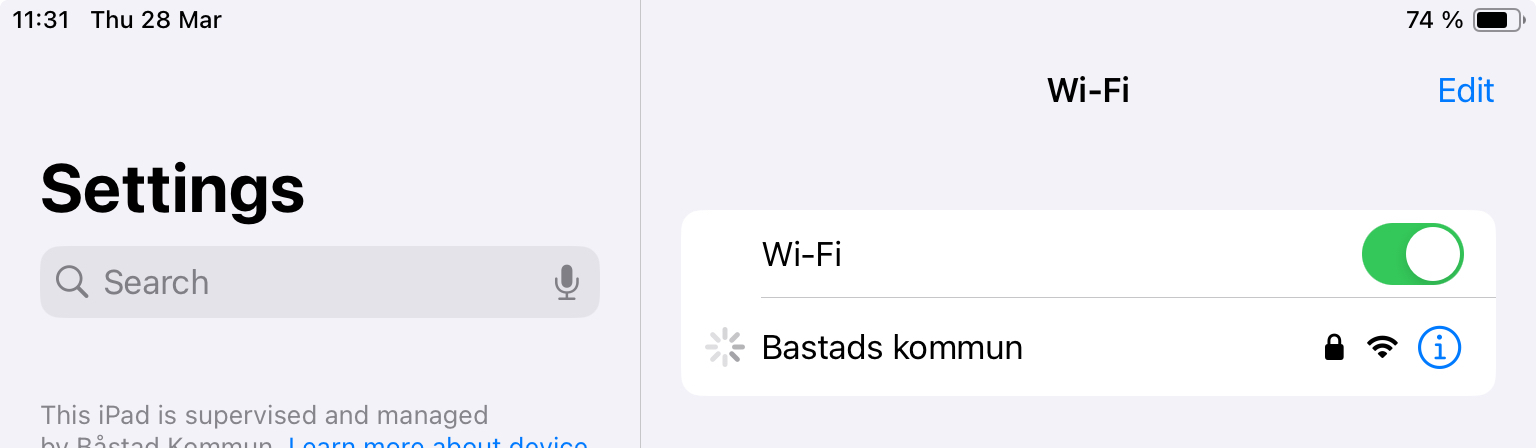
 

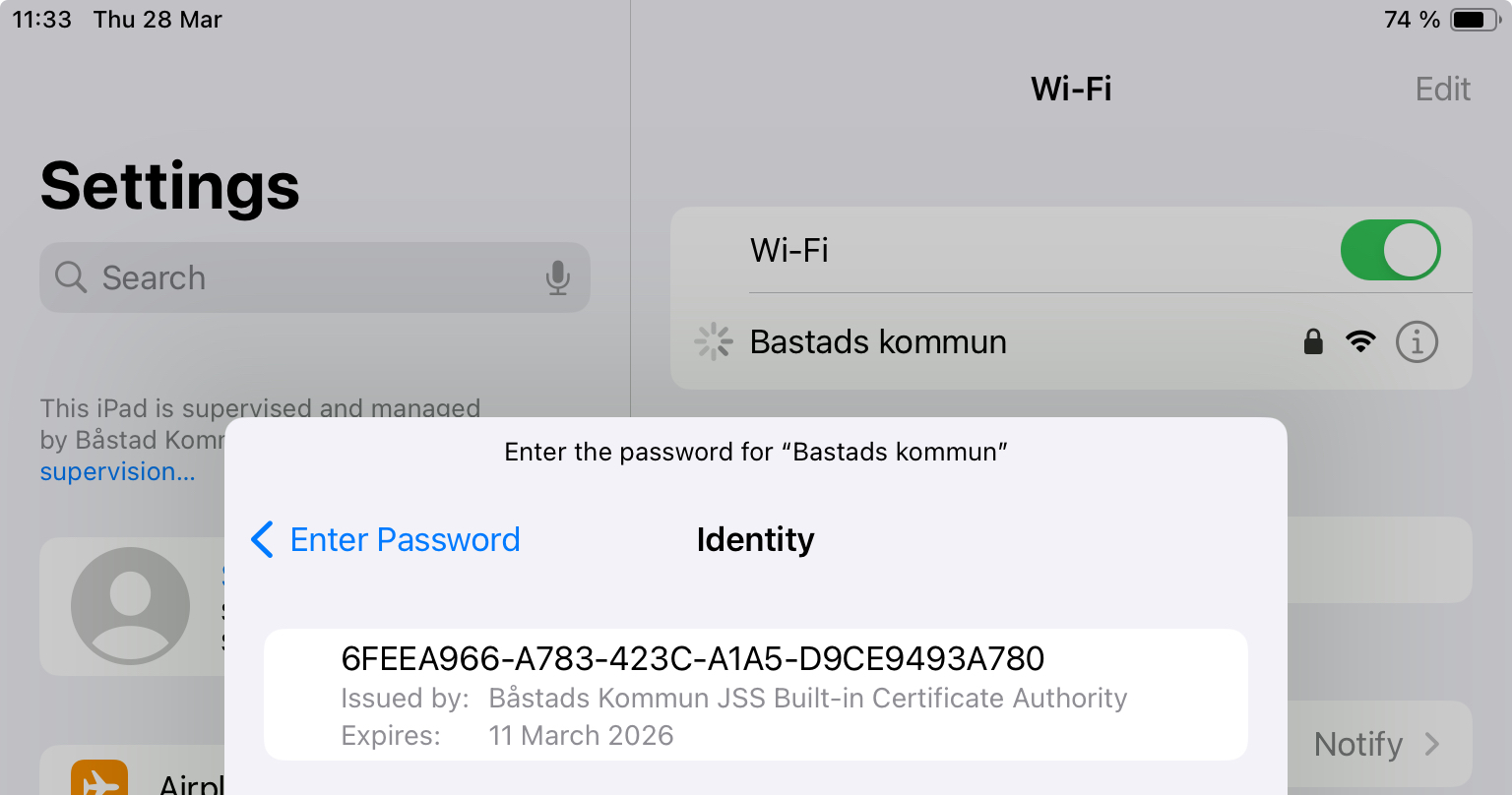
If we click the ⓘ on the right side of the SSID, turn off Private Wi-Fi Address and then click Join This Network.
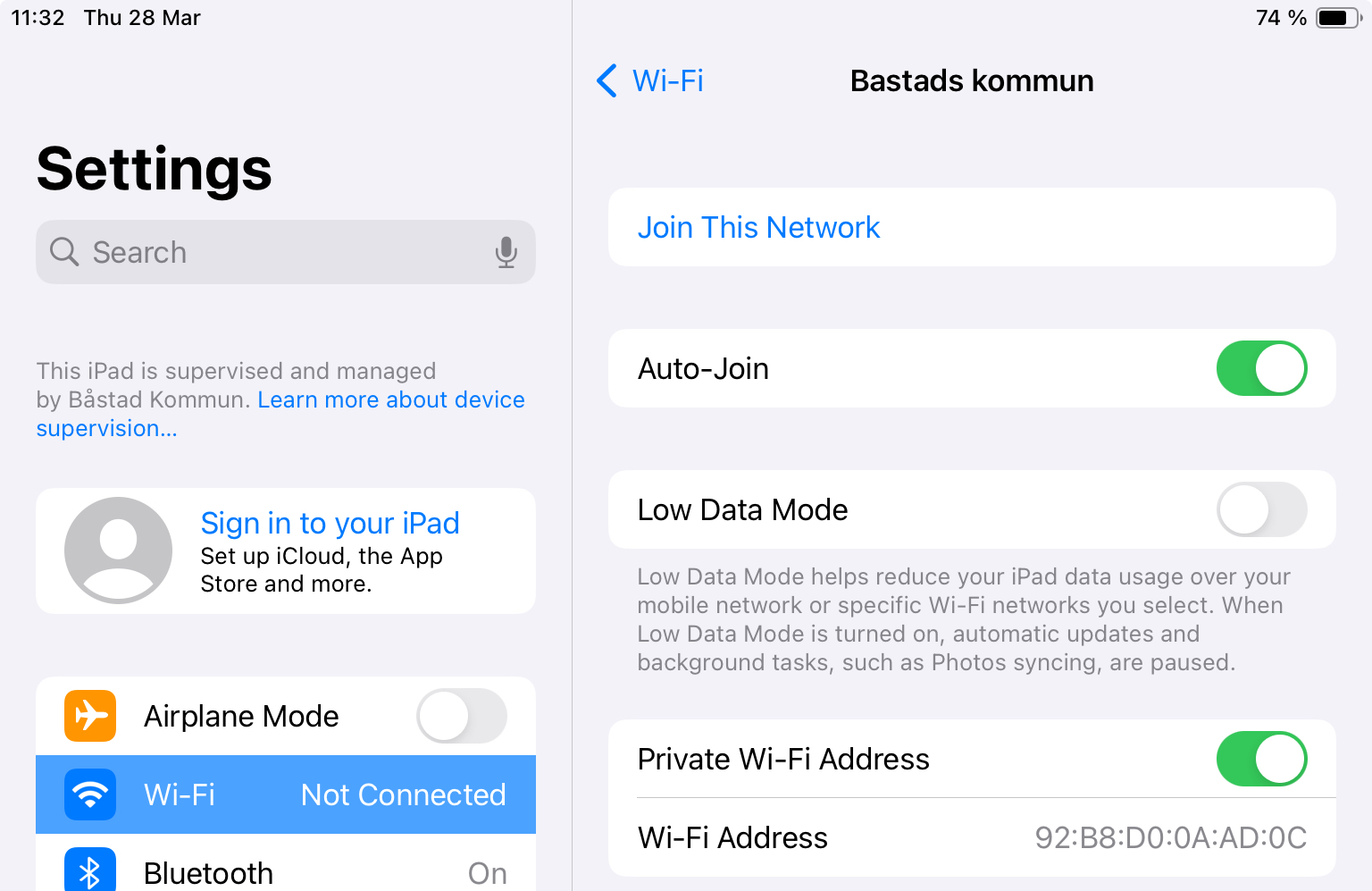
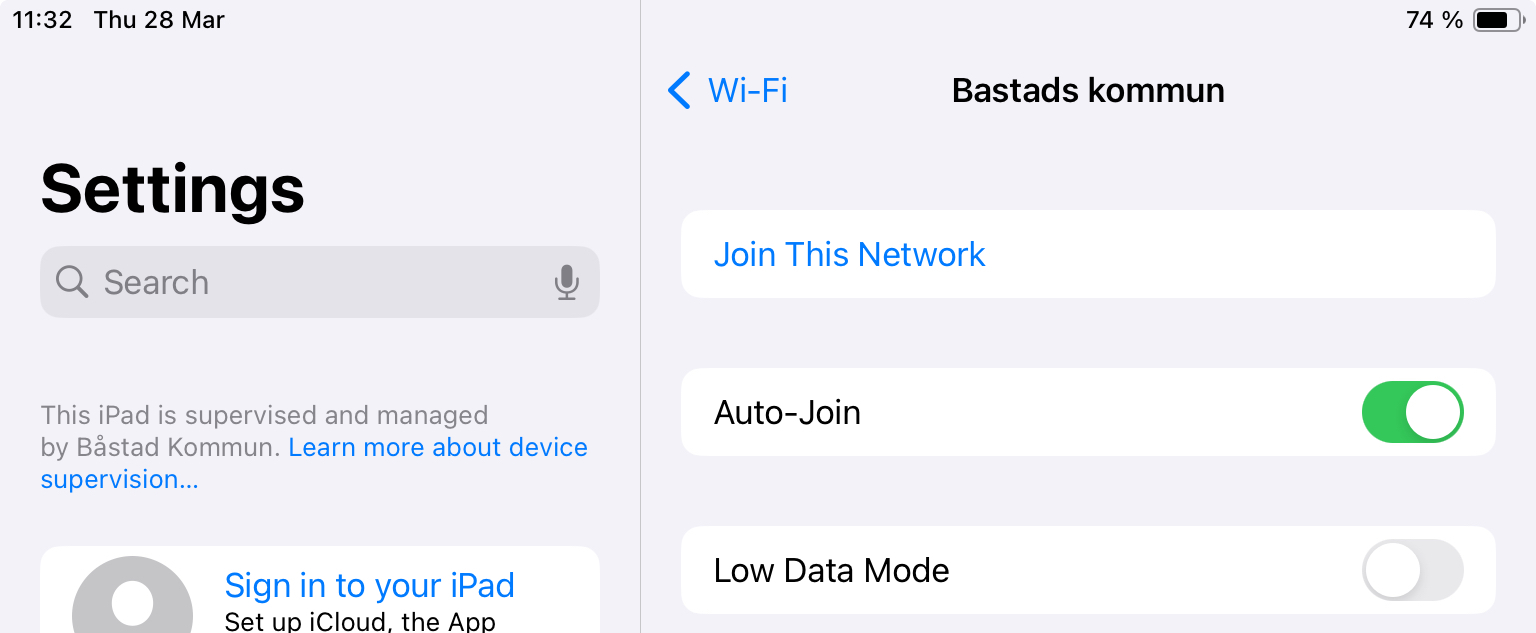
 

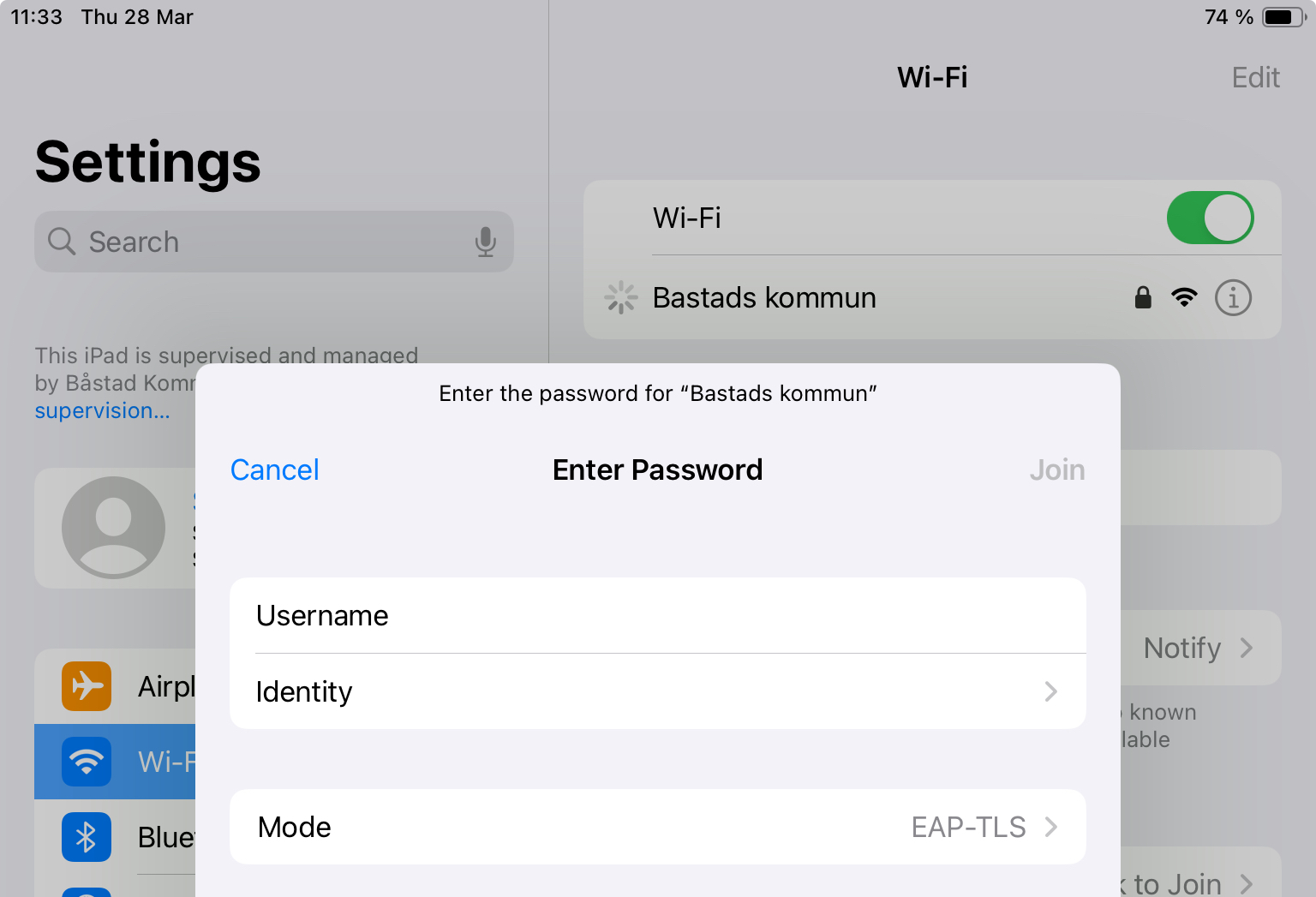
After that we click Mode to change to EAP-TLS and then click Identity, there we see a certificate that’s not the one we want to se.
 

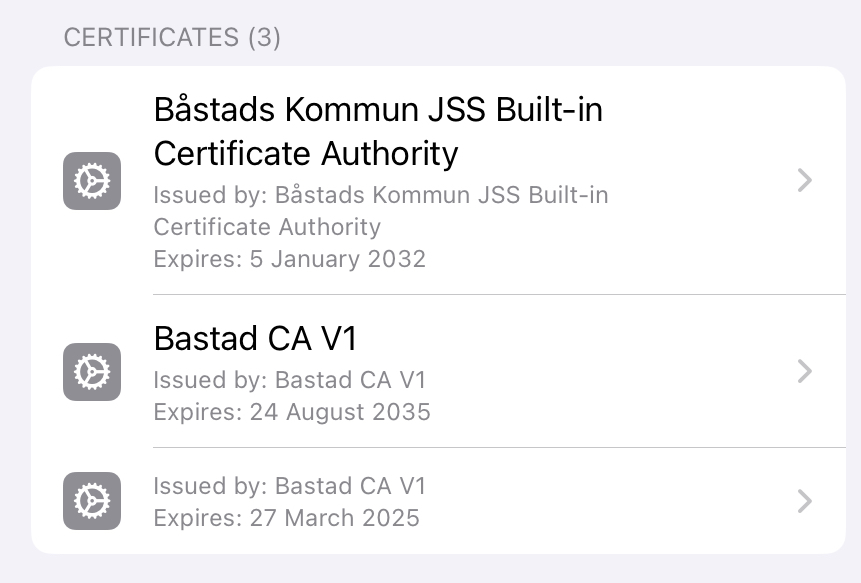
When viewing certificates under the MDM Profile on the device we see three certificates, the one we sant to se is the one without a name.
 

Does anyone have any advice to give and/or does know what could be wrong in this case?

Happy Eastern everybody :)

9 replies

sdagley
Forum|alt.badge.img+25
  • Jamf Heroes
  • March 28, 2024

@jonros You'd need to show the Configuration Profile settings for someone to have an idea what isn't configured right.


Forum|alt.badge.img+7
  • Author
  • Contributor
  • April 2, 2024

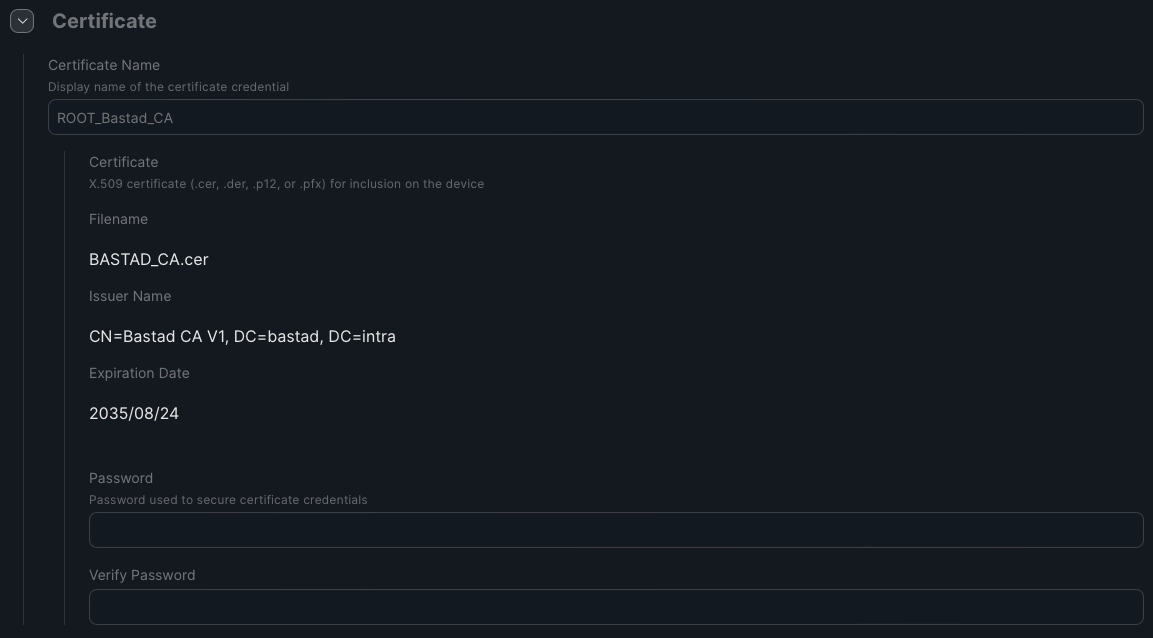
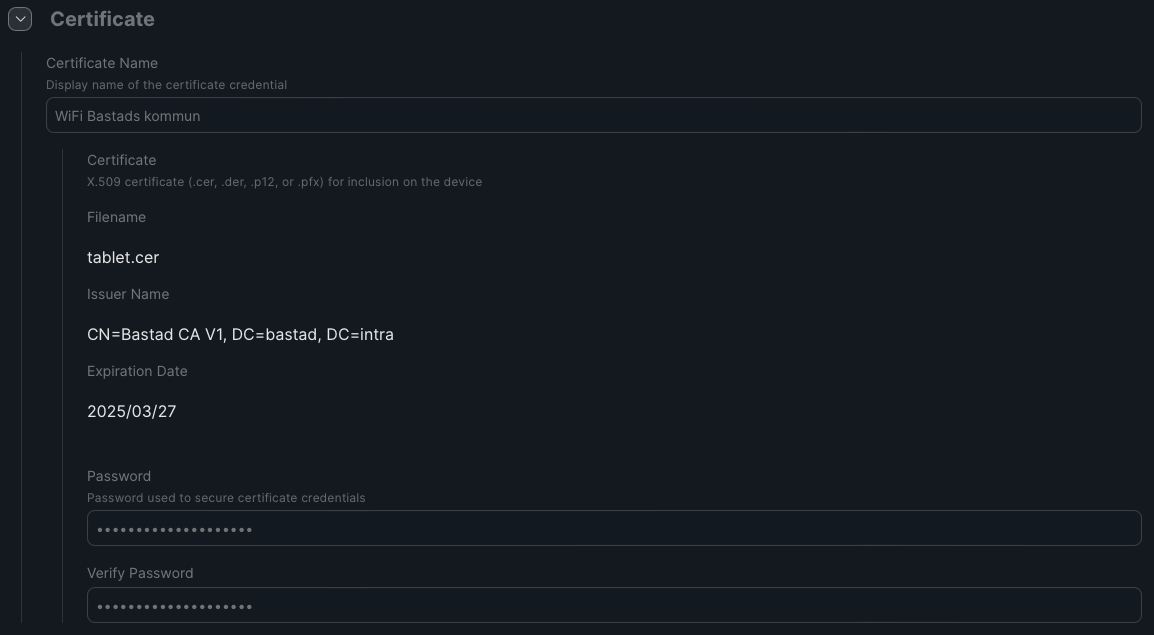
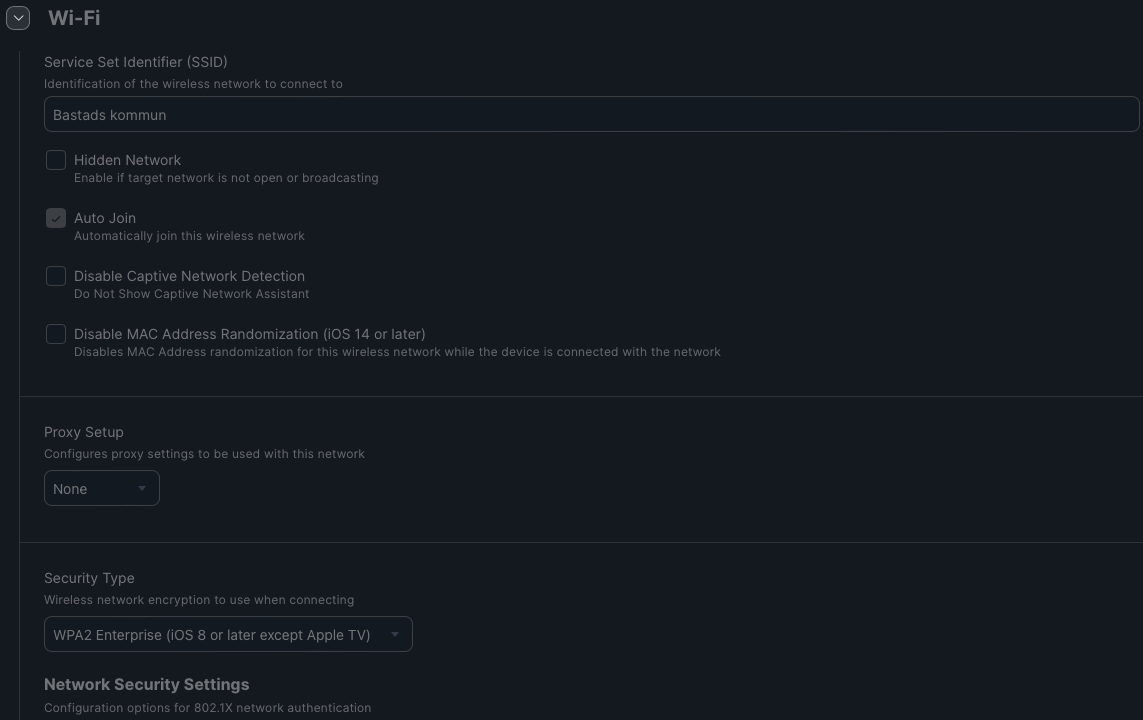
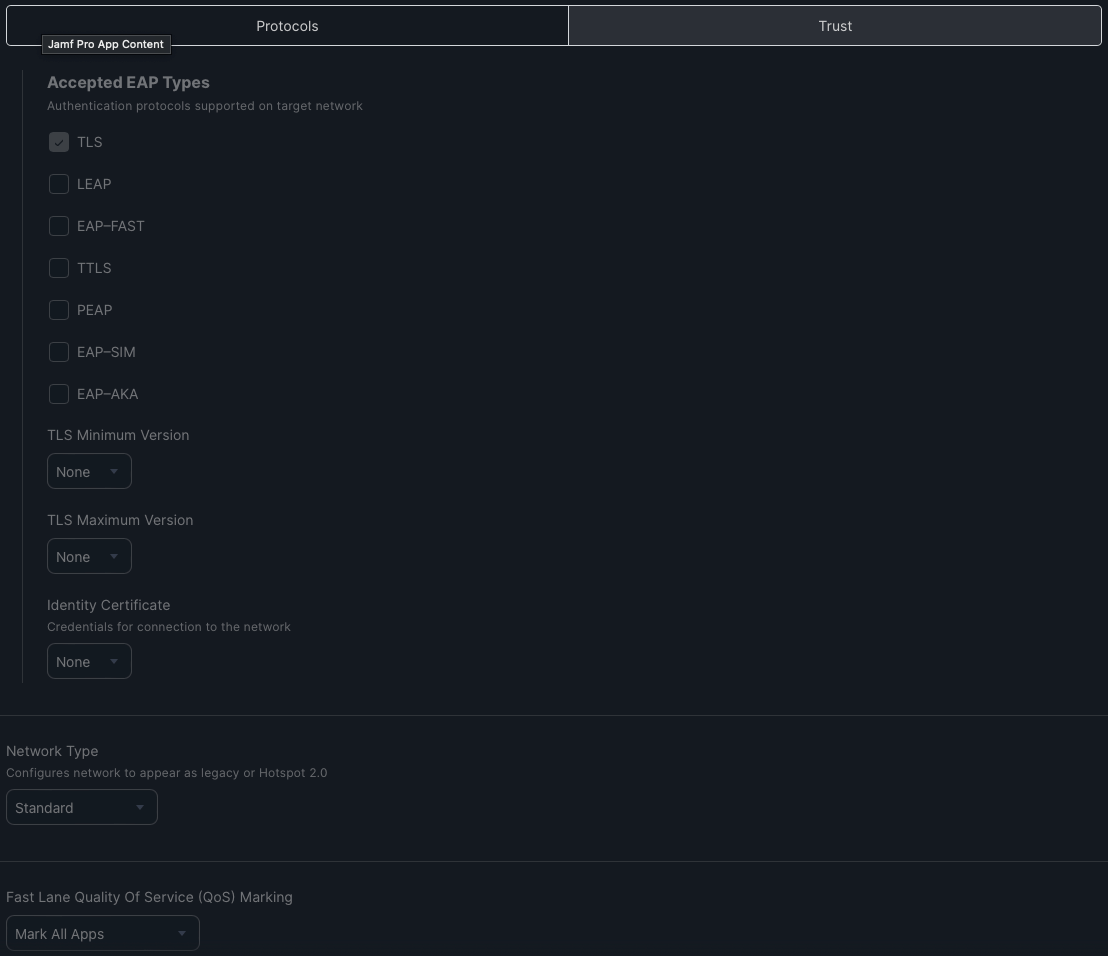
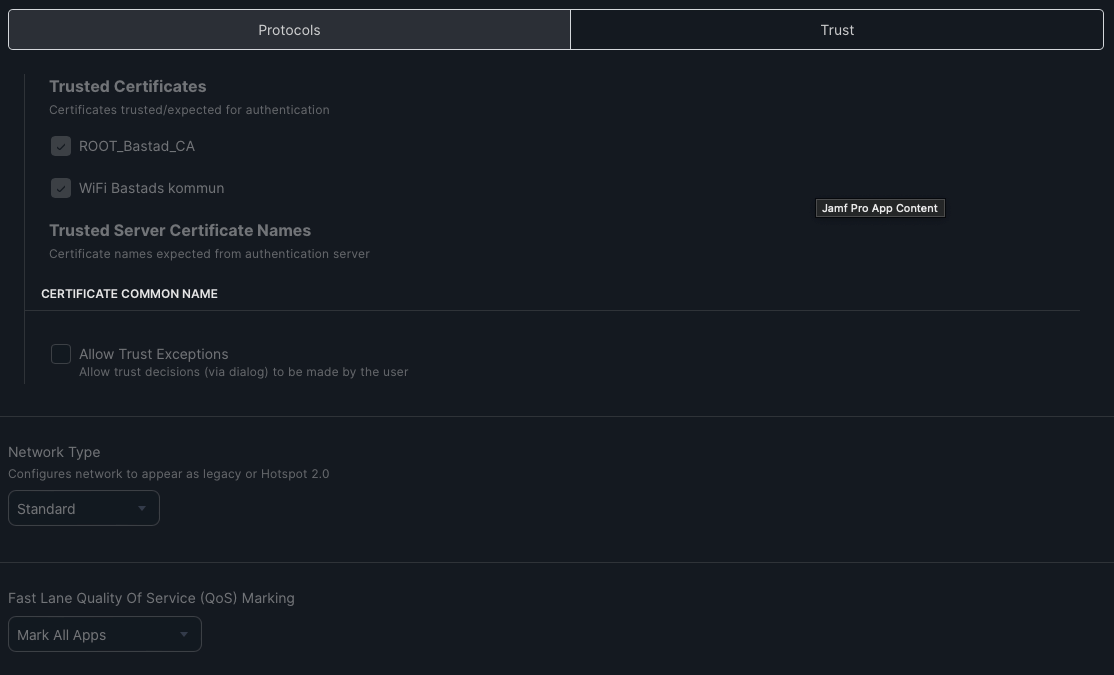
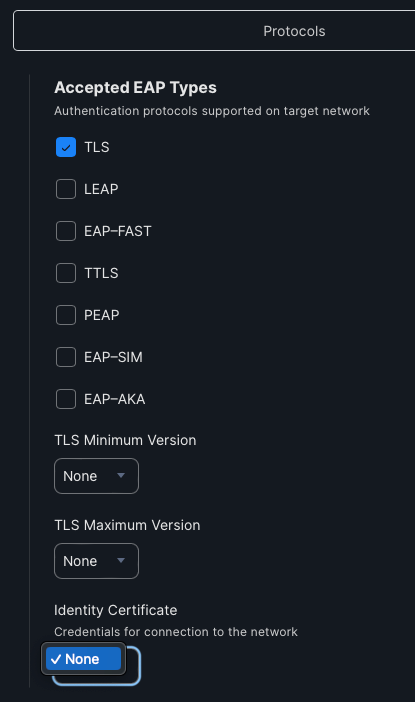
Thanks for your reply @sdagley . Here comes the settings for the CP.

Certificate 1


Certificate 2


Wi-Fi


Wi-Fi Protocols


Wi-Fi Trust


If it matters it could be good to go that we've converted the second (the one not showing) certificate from .pfx to .cer via macOS Terminal.


sdagley
Forum|alt.badge.img+25
  • Jamf Heroes
  • April 2, 2024

Thanks for your reply @sdagley . Here comes the settings for the CP.

Certificate 1


Certificate 2


Wi-Fi


Wi-Fi Protocols


Wi-Fi Trust


If it matters it could be good to go that we've converted the second (the one not showing) certificate from .pfx to .cer via macOS Terminal.


@jonros You need to select the certificate you've uploaded as the "Identity Certificate" for your Network payload (shown in the image you labeled as "Wi-Fi Protocols")


Forum|alt.badge.img+7
  • Author
  • Contributor
  • April 2, 2024

@jonros You'd need to show the Configuration Profile settings for someone to have an idea what isn't configured right.


@sdagley, thanks again for your reply. One I click on "Identity Certificate" there's nothing to choose.

Could this be because we have both the certificate and Wi-Fi settings in the same Configuration Profile?


Forum|alt.badge.img+7
  • Author
  • Contributor
  • April 2, 2024

@jonros You need to select the certificate you've uploaded as the "Identity Certificate" for your Network payload (shown in the image you labeled as "Wi-Fi Protocols")


@sdagley, thanks again for your reply. One I click on "Identity Certificate" there's nothing to choose.

Could this be because we have both the certificate and Wi-Fi settings in the same Configuration Profile?


sdagley
Forum|alt.badge.img+25
  • Jamf Heroes
  • April 2, 2024

@sdagley, thanks again for your reply. One I click on "Identity Certificate" there's nothing to choose.

Could this be because we have both the certificate and Wi-Fi settings in the same Configuration Profile?


@jonros It may be because you don't have a name in the certificate. Can you generate a new cert with a name to use?

The certificate and Wi-Fi network configuration _should_ be in the same Configuration Profile.


Forum|alt.badge.img+7
  • Author
  • Contributor
  • April 3, 2024

@jonros It may be because you don't have a name in the certificate. Can you generate a new cert with a name to use?

The certificate and Wi-Fi network configuration _should_ be in the same Configuration Profile.


There is a name set for the certificate.
I've tried to import the cert on my Mac but get an error saying "A problem accrued. Couldn't import the certificate. Error: -26276". Don't know if that could have anything todo with it?


Forum|alt.badge.img+7
  • Author
  • Contributor
  • April 3, 2024

@jonros It may be because you don't have a name in the certificate. Can you generate a new cert with a name to use?

The certificate and Wi-Fi network configuration _should_ be in the same Configuration Profile.


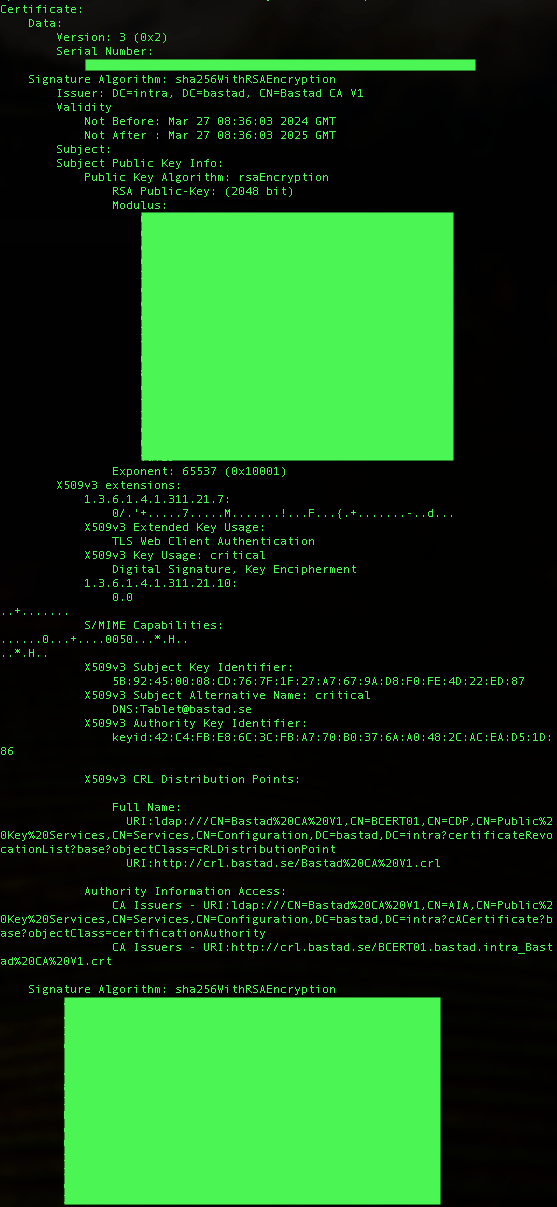
@sdagley here's how the certificate in question looks like.


sdagley
Forum|alt.badge.img+25
  • Jamf Heroes
  • April 3, 2024

There is a name set for the certificate.
I've tried to import the cert on my Mac but get an error saying "A problem accrued. Couldn't import the certificate. Error: -26276". Don't know if that could have anything todo with it?


That would definitely be a problem. Is the Root CA for that certificate deployed to all of your Macs? If not you'll need to make sure the certificate you uploaded to Jamf Pro includes the full trust chain.