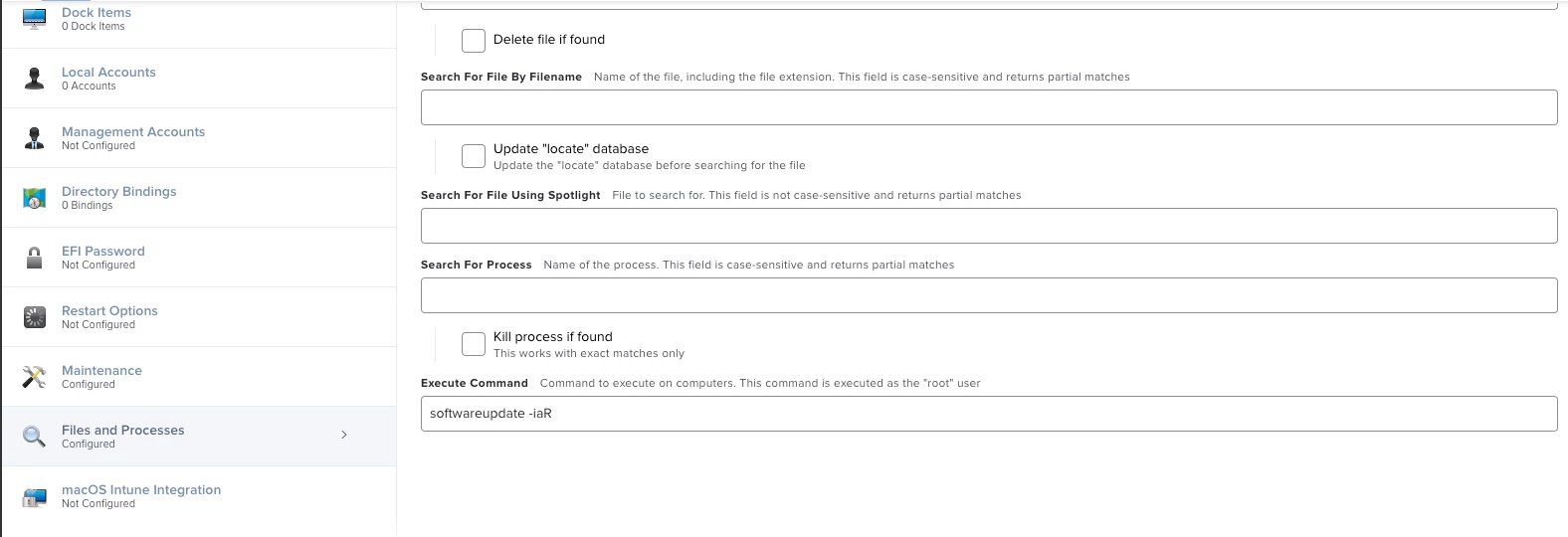
I'm very new to scripting in general. I'm helping to develop a policy to search and install new os update to individual's system. The scripts works fine in terminal, but when I run it as a policy. It will failed because of authentication. Is there anyway to fix this? Either prompt a window to put in their credentials. I only want it to run whenever the user or an IT admin press the policy in self service to activate it. Here is my original script. Thanks
#!/bin/zsh

Choice=$(/Library/Application\\ Support/JAMF/bin/jamfHelper.app/Contents/MacOS/jamfHelper  -windowType utility -title "Updates" -heading "Mac OS X Updates" -description "Your Mac needs to check for and install the latest updates. Please select Update Now to update OS X (This will restart the computer). If you select Update Later you can update from the Self Service(If not done soon your mac will auto update)." -button1 "Update Now" -button2 "Update Later" -defaultButton 1 -cancelButton 2)

if [[ "$Choice" == "0" ]]; then
   sudo softwareUpdate -iaR
fi

exit 0
#Written by CYL




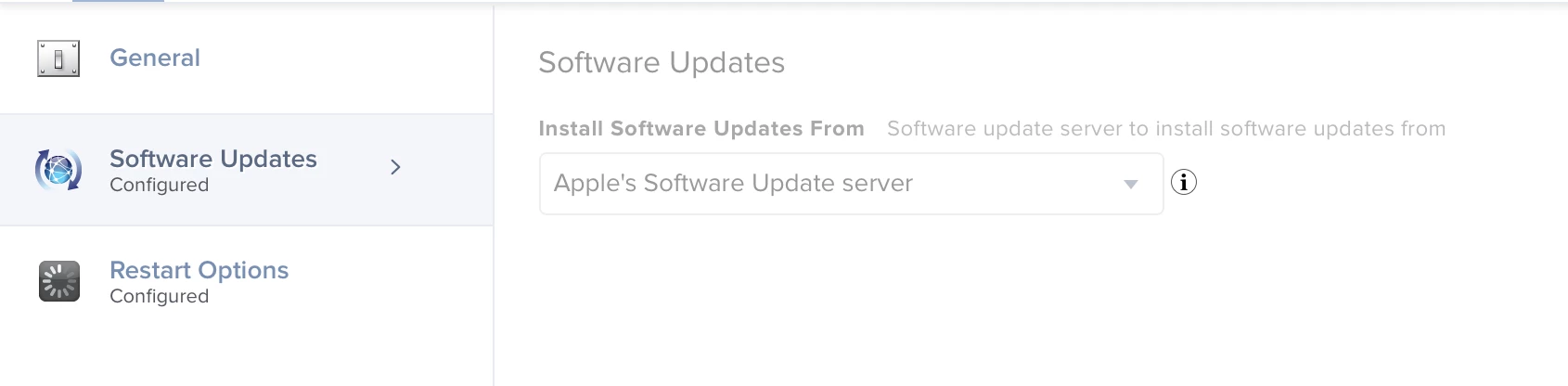
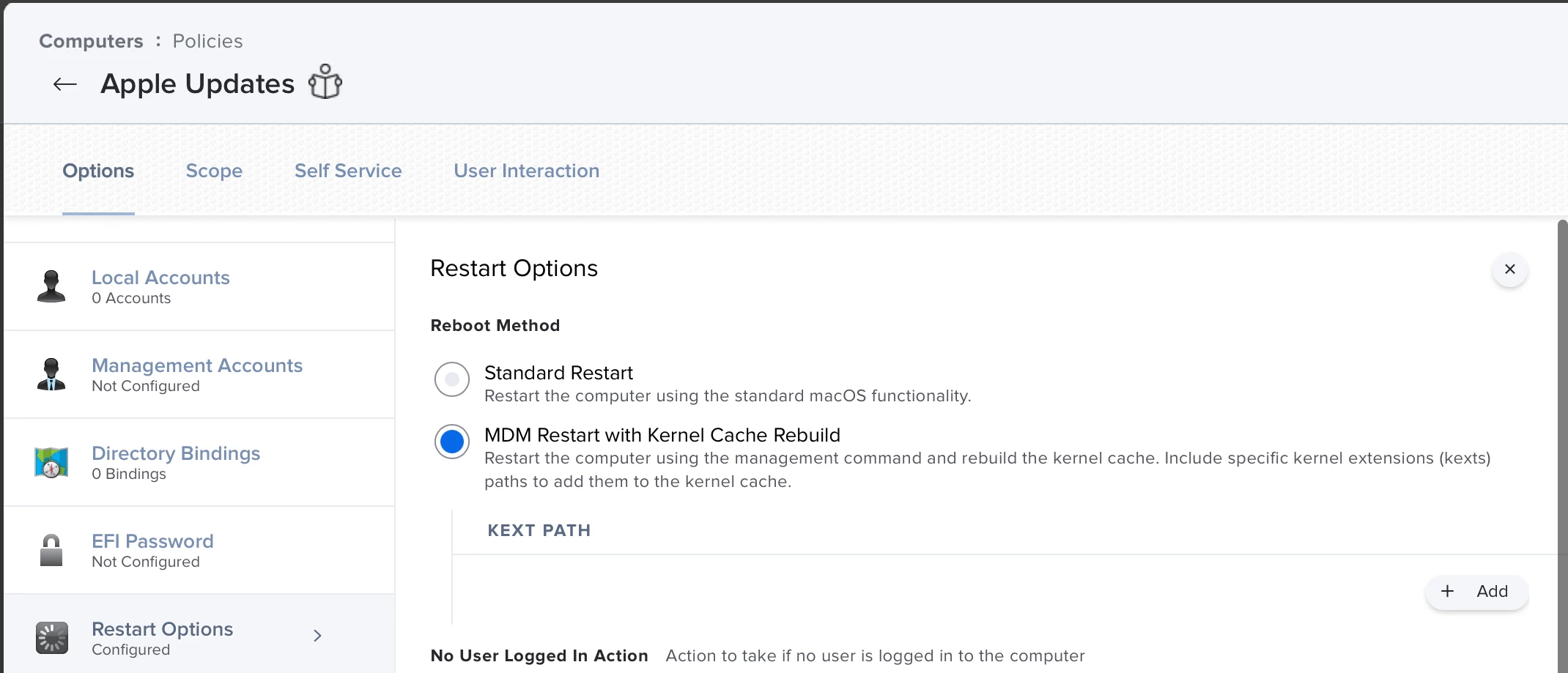 so I'm wondering what will be the suitable command letting the system to install the OS just downloaded. Big thanks