Question

Students installing configuration profiles breaking JAMF remote acces

  • October 2, 2015
  • 5 replies
  • 31 views

Forum|alt.badge.img+3

We are struggling with students installing weird configuration profiles that break the communication between iPads and JAMF. Any ideas?
5 replies

Forum|alt.badge.img+26
  • Valued Contributor
  • October 2, 2015

You should be able to use Xcode to remove them. I've had fun doing that once or twice as to preventing them...basically, you need to uncheck "allow trusting new enterprise app authors" in restrictions. Shouldn't affect you unless you develop some in-house apps that need to get on your devices. If that is the case, think very carefully how you wish to go about blocking provisioning profiles


Forum|alt.badge.img+24
  • Valued Contributor
  • October 2, 2015

Even if OP is deploying their own custom apps, as long as they are delivered via MDM (vs a manual install) they will be trusted, even with the aforementioned restriction in place.


Forum|alt.badge.img+14
  • Honored Contributor
  • October 13, 2015

I have tried unchecking 'Allow trusting new enterprise app authors' and was still able to download vShare, which installed a Provisioning Profile. I was not prompted to accept a profile or trust anything, with or without the configuration, just pressed Install. I'm wondering how this feature is supposed to work?

I have verified that the key is correct in the Configuration Profile.
<key>allowEnterpriseAppTrust</key><false/>

JSS 9.80
iOS 9.0.1


Forum|alt.badge.img+14
  • Honored Contributor
  • October 13, 2015

Ok I have it now.. after finding a good article that explains it.

I actually have to launch the side-loaded app, which tells me that I need to trust it, then I need to manually go to Settings -> Profiles and Trust. With the restriction in place, there is no option to trust. Yay!

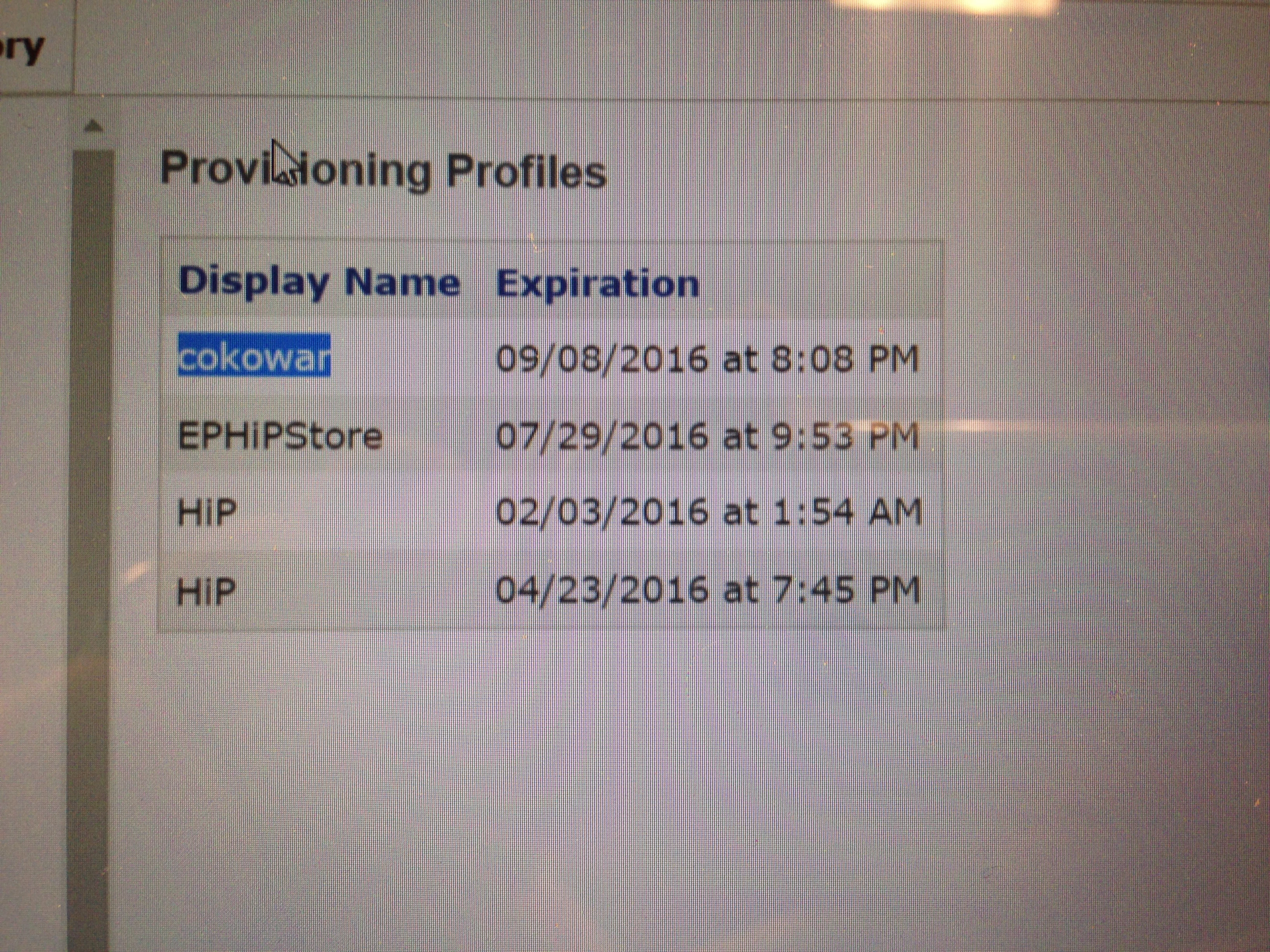
I'll still be notified that they tried, as the original app download installs its own Provisioning Profile, which seems to stay there even if vShare (in my case) is deleted. Then the student will be called down to the office.

chris


Forum|alt.badge.img+18
  • Valued Contributor
  • October 13, 2015

did you try creating the mobileconfig file in Server.app and then importing that profile into the JSS? there have been several instances over the years where JAMF's implementation of a profile feature does not quite work as advertised and you had to use config files from server and profile manager instead.
