Hi all -
We have an entire computer lab with MacBook Pros. They are all set to auto login to a generic account for elementary students to use. Everything works fine, but when the screensaver comes on or the laptop goes to sleep it is set to lock immediately. We need to go and uncheck all of them from automatically locking, but students can go back and change them.
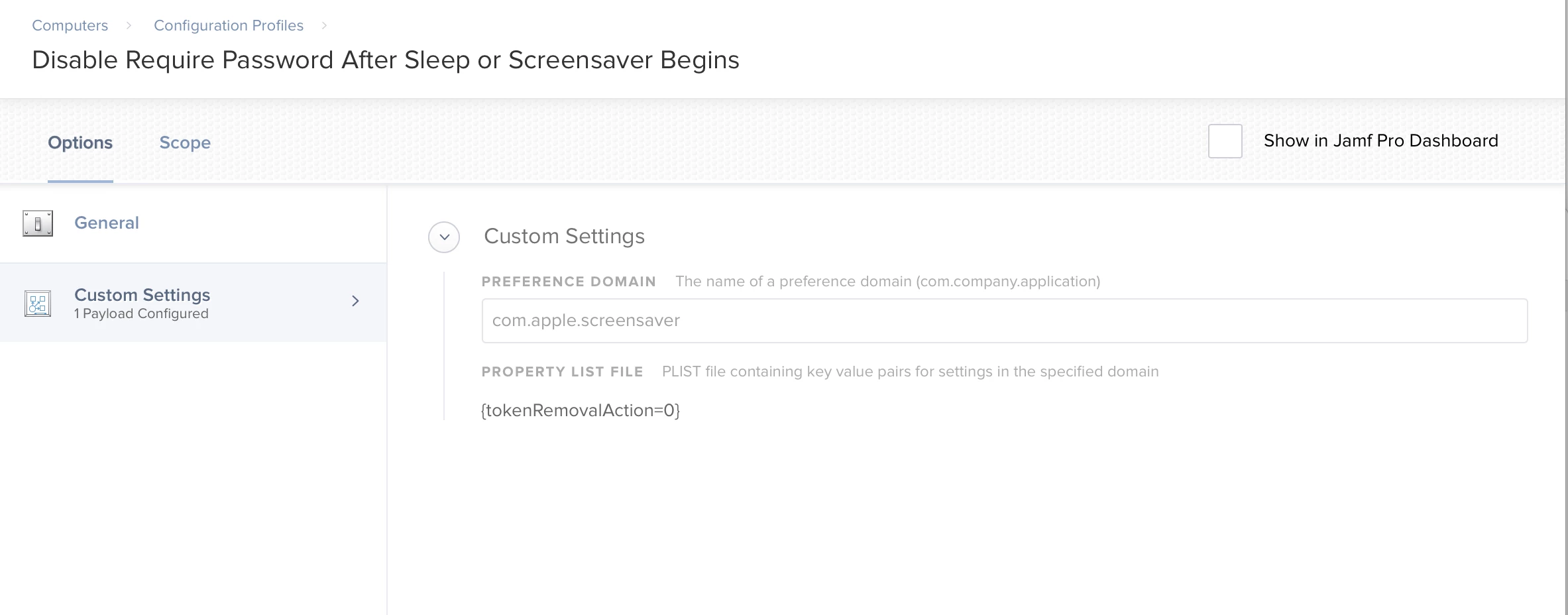
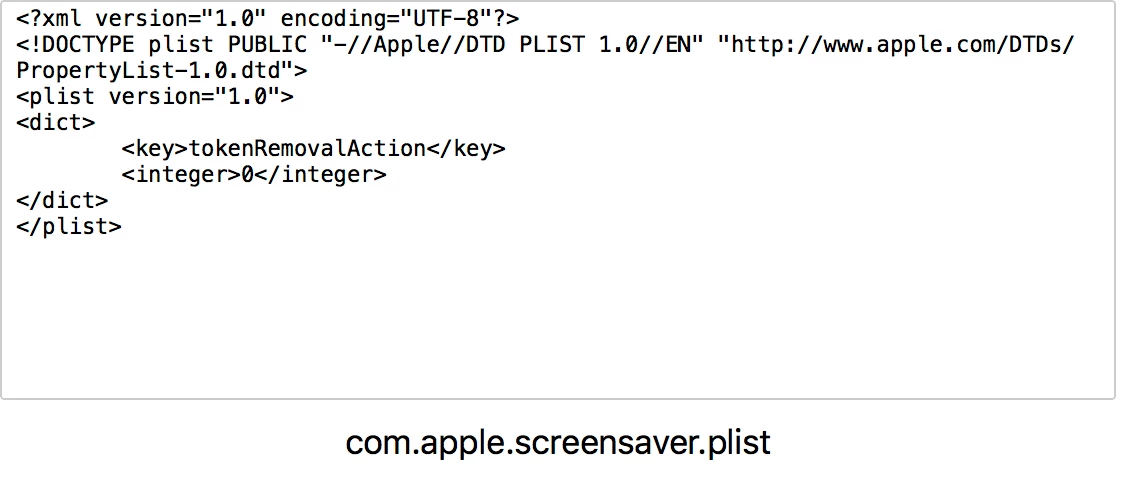
Is there any way to disable this setting from Security & Privacy from being checked or unchecked with a configuration profile or a script? We want the screensaver to come on, but we don't want them to lock the students out.
I have been searching everywhere for a solution and can't seem to find anything.
Thanks!!