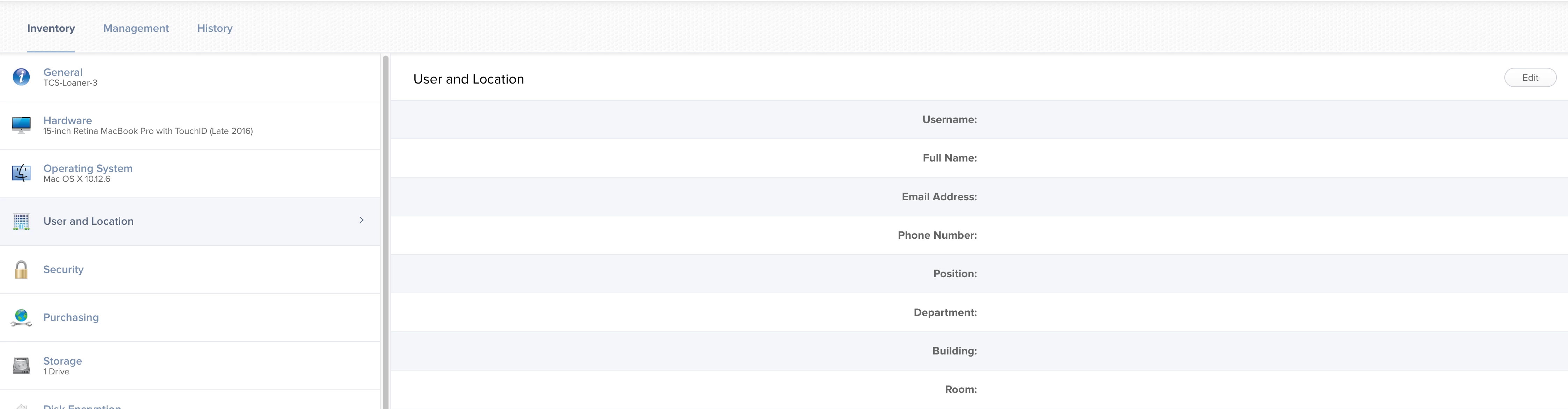
We have a script that grabs the current IP Address and based off of network segments and buildings, sets the Building.
You can also use the command "jamf recon -endUsername $3" to update the username with the currently logged in user. If this is bound to AD it will then query your AD for the rest of the info.
There probably is a script to get this done. But like strider.knh, we use IP set the building. While it doesn't fill the location, it is sufficient to sort people by their building (for our purposes).
try looking at the MUT: https://jssmut.weebly.com/ Easy GUI for the API to upload a CSV that will look for a device serial number and add a username based on that serial to the Jamf Pro Server. Then rinse and repeat for other info based on the serial number
Ok another idea I can create a url call and open directly to this machine in jamf pro console. How can I get the JAMF computer ID based on the serial number and then create the url to open at the end of the sh script.