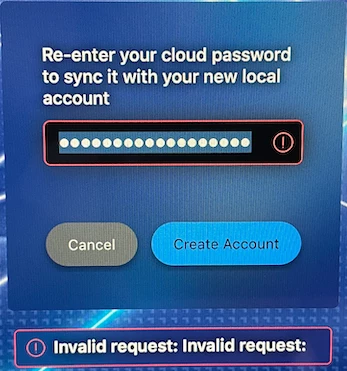
Today we released Jamf Connect 2.3.1 for general availability; this release includes the below details.
Key Technical Content
• [PI-009285] Improved the login and account creation experience by displaying an animated loading bar between when a user authenticates and when the Finder displays.
• [PI-009164] Fixed an issue that caused Jamf Connect to fail to respect the custom action MenuIcon preference key.
• [PI-009223] Fixed an issue in which deploying a configuration with a misconfigured custom branding setting caused the menu bar app icon to be absent.
• [JC-2329] Fixed an issue that caused the menu bar to display a blank webview when attempting to authenticate if no MFA option was configured.
• [JC-2529] Fixed an issue that caused Jamf Connect to fail to update some AD attributes (e.g., password expiration date) after changing the password via the menu bar app.
Product Documentation
For more information, including Release Notes, please see the Jamf Connect Administrator Guide.
Thank you!
The Jamf Connect team